

Put your guest guide, Wi-Fi details, appliance instructions, and local favorites within easy reach. One tap opens the information guests need to settle in and enjoy their stay.
Try Kitetags for Free*Shipping and handling fees apply.
From a welcome stand by the entrance to a tag beside the coffee machine, Kitetags make useful information easy to find right where guests need it.

Help guests find answers from arrival to check-out, then keep your property’s links up to date from one place.
Give guests one-tap access to your digital welcome guide. Keep house rules, parking details, and useful property information together so they can settle in with fewer questions.
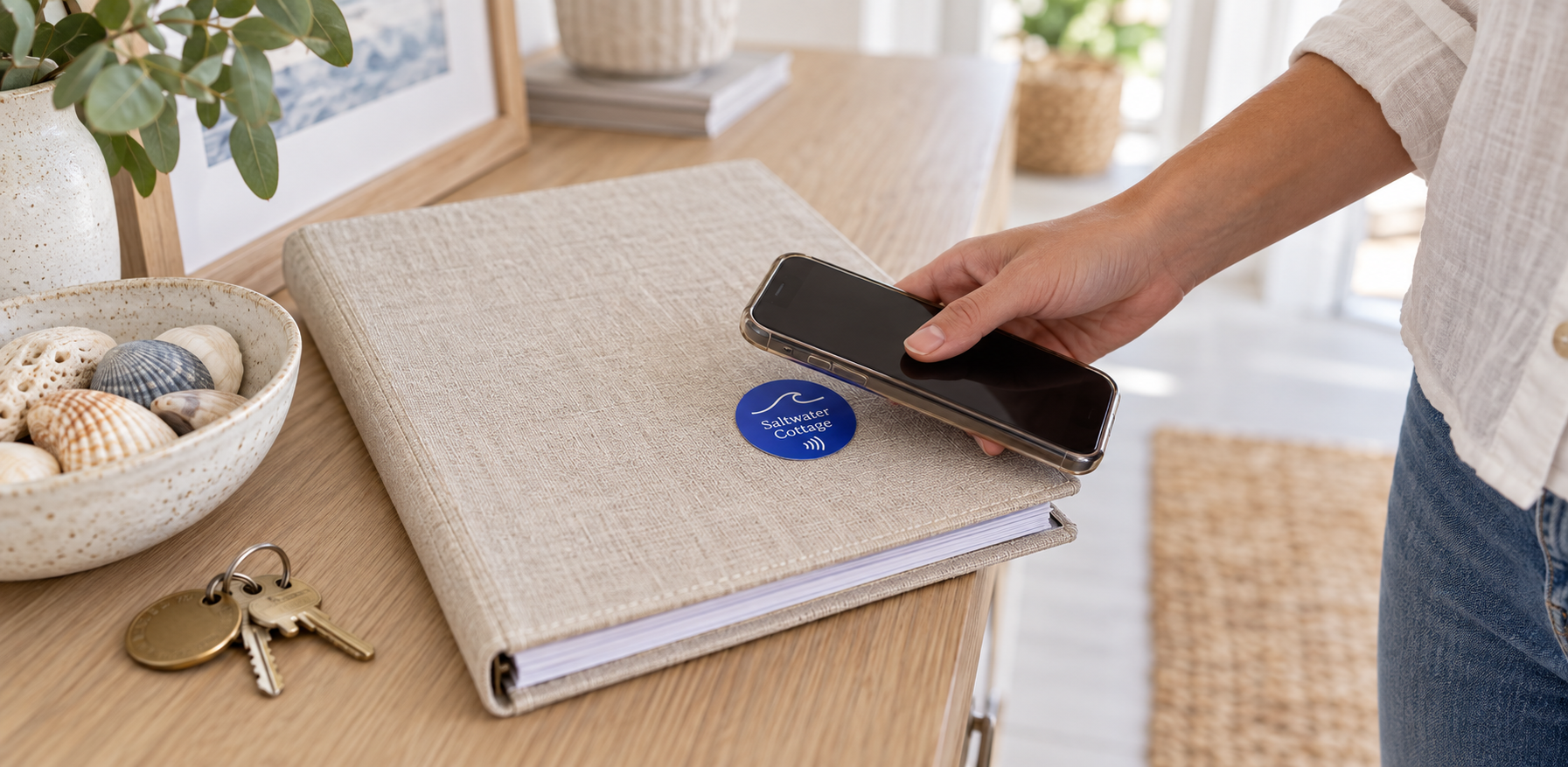

Make the network name, password, and connection instructions easy to find. Link a Kitetag on your welcome stand to your Wi-Fi information page or guest portal.
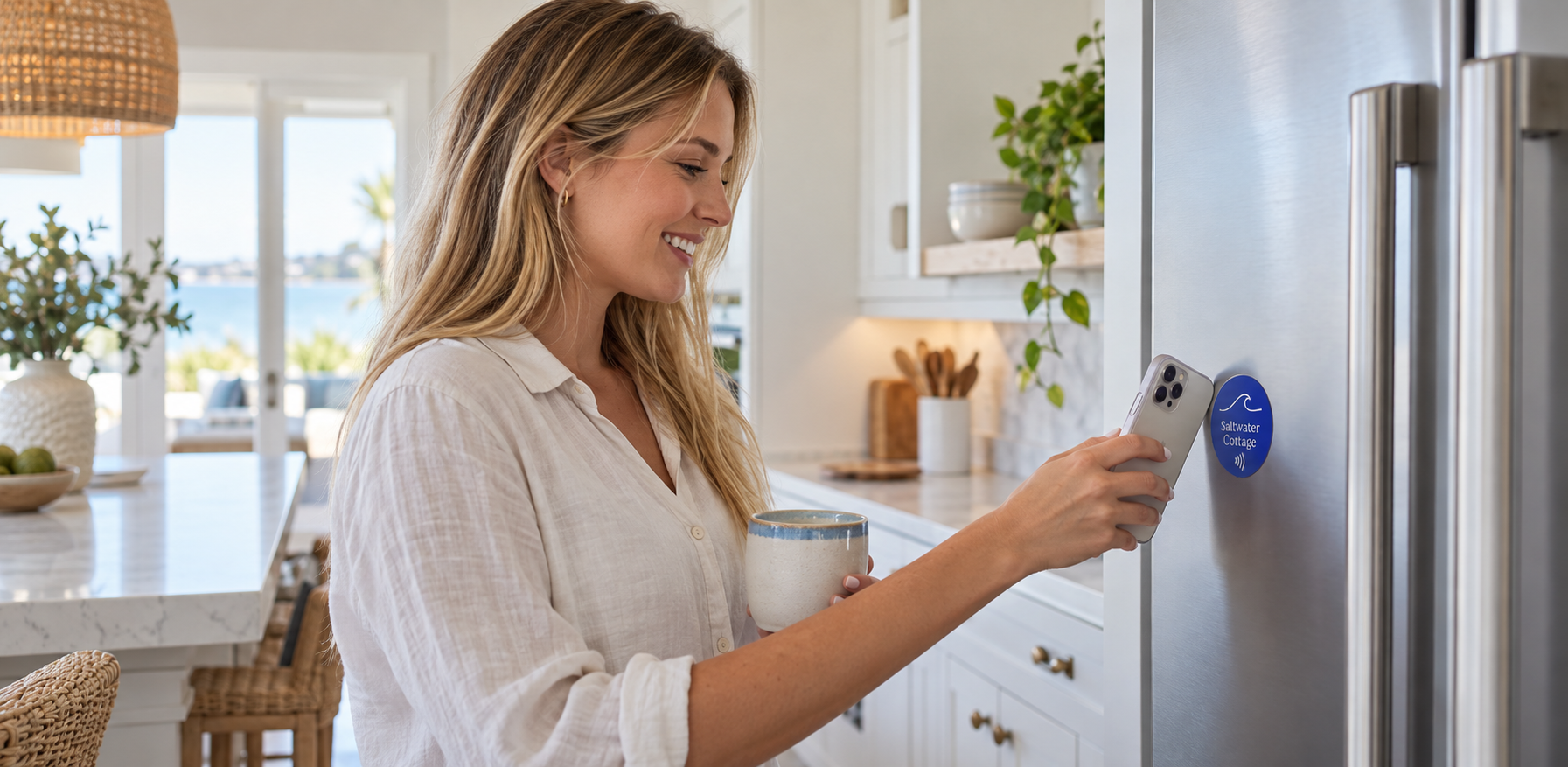
Place a tag beside the TV, thermostat, coffee machine, or hot tub to open the relevant instructions. Share your guide, a short video, or the manufacturer’s directions for that item.

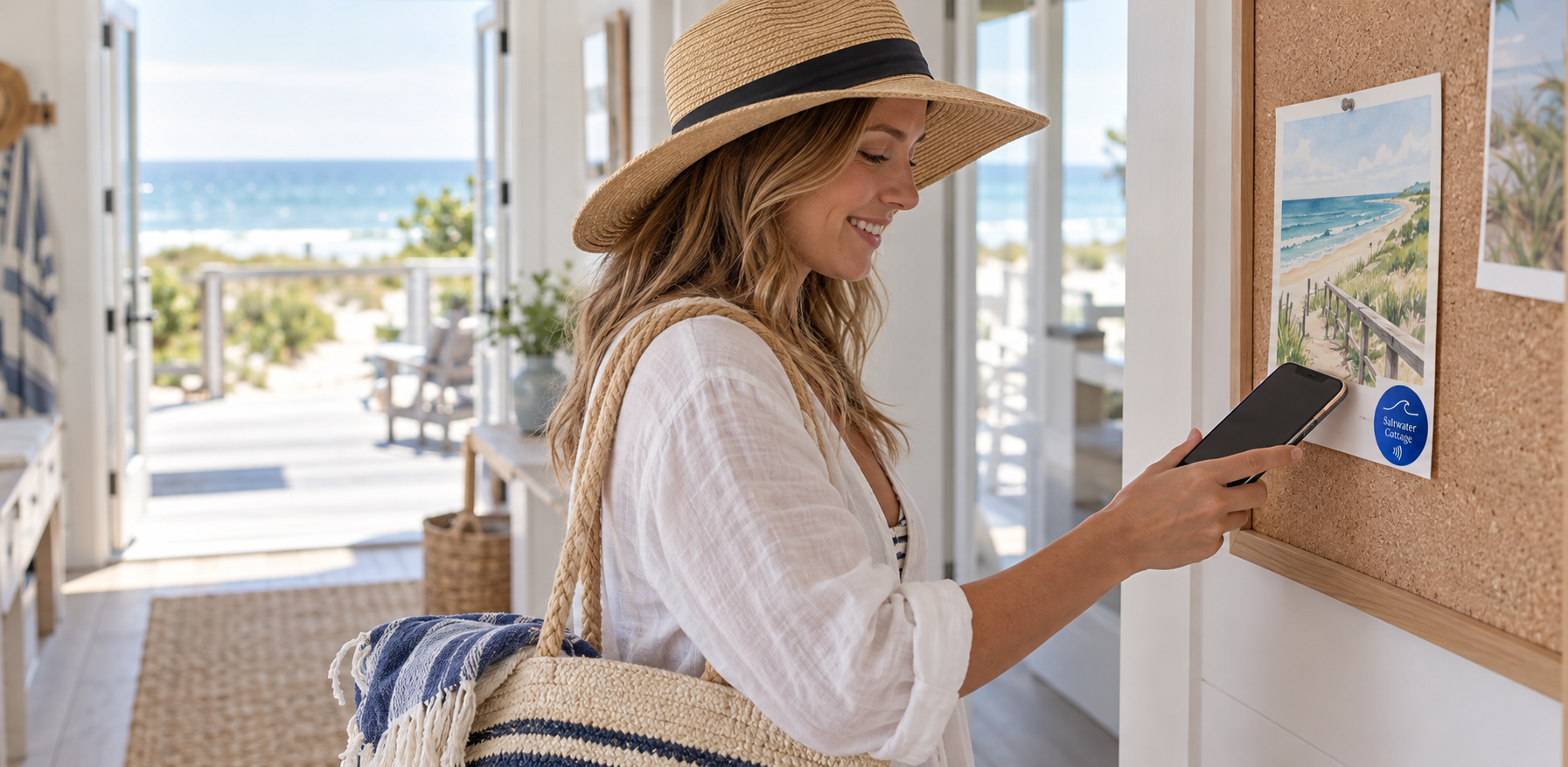
Share the places you’d recommend to a friend. Link to your favorite nearby restaurants, shops, walks, and things to do, and refresh the destination as your recommendations change.
Keep help within easy reach. Open your host contact page or preferred messaging link so guests know how to get in touch with questions during their stay.
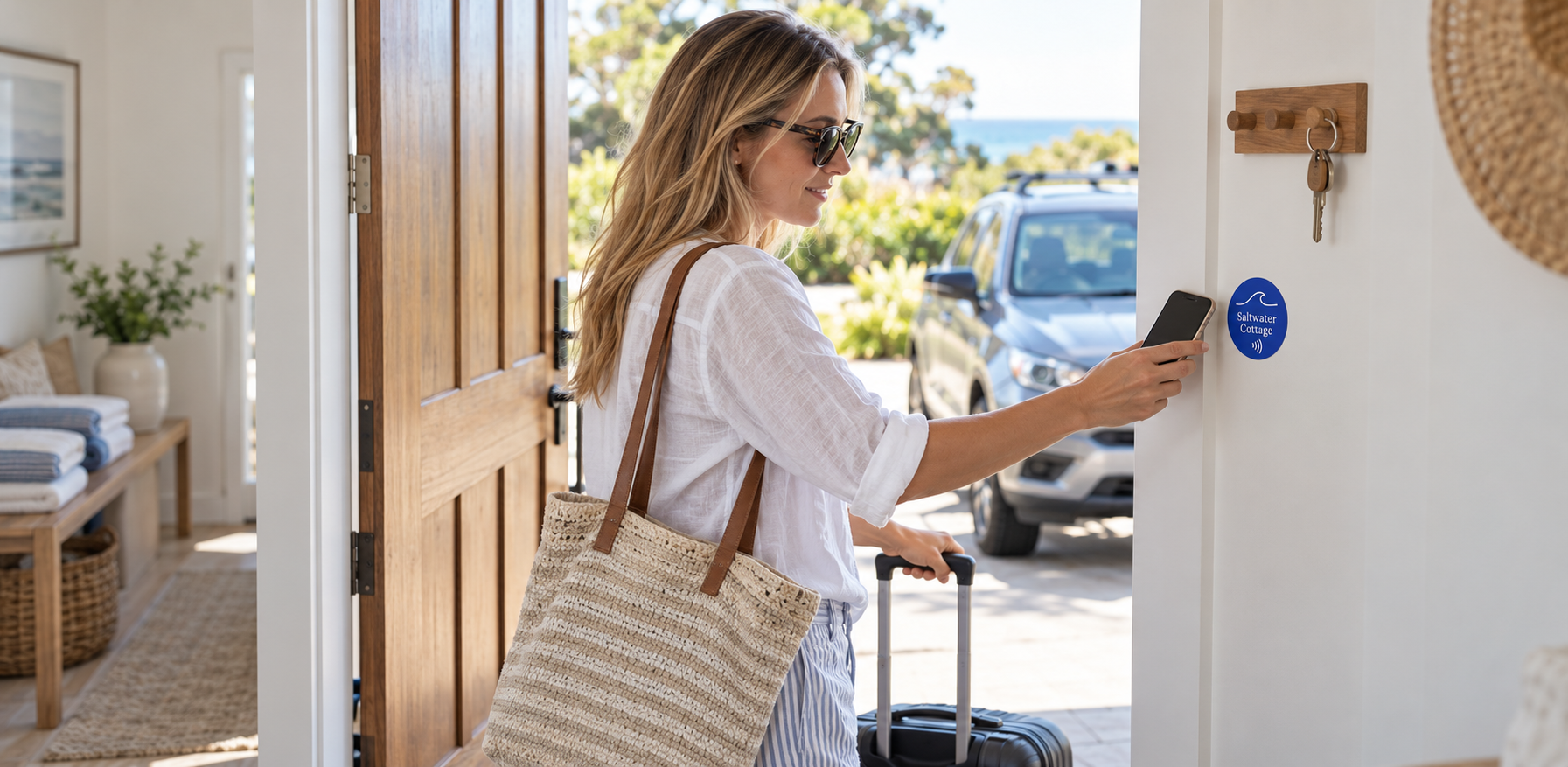
Make departure straightforward with a clear check-out page. Share the departure time, key-return details, and a simple checklist guests can refer to before they leave.
Tell us what you want a tap to do. Contact us for help planning your interaction or connecting it to your tools.
Use your property’s name, logo, and colors on welcome cards, stands, and stickers. Link each Kitetag to your guest guide, appliance instructions, or host contact page, and update the destination from your Kitetags dashboard.
Customize Your BrandKitetags connect physical NFC tags to online destinations you manage. A guest taps a tag with a compatible phone to open your welcome guide, Wi-Fi details, appliance instructions, or another useful link.
No Kitetags app is required. Guests tap with a compatible NFC-enabled phone and open the destination in their browser. A messaging service or portal you link to may have its own sign-in requirements.
Yes. Point a Kitetag to your existing online guide, document, or property information page. Check that guests have permission to view the destination before putting the tag in place.
Yes. Link to a page with your network name, password, and connection instructions, or to your guest portal. Opening that page does not automatically connect every phone to Wi-Fi; guests follow the instructions provided.
Yes. A tag beside the coffee machine can open its instructions, while another beside the TV opens a different guide. Use instructions or videos that match the actual equipment in your property.
Yes. Link tags to your local guide and departure checklist. Guests can find nearby favorites, check-out time, key-return details, and the steps you want them to follow before leaving.
Link a tag to your host contact page or preferred messaging link. The destination provides the contact options, and any messages are handled by the service you choose.
Yes. Edit your existing online guide or change the destination in your Kitetags dashboard. Keep recommendations, appliance help, and check-out details current while leaving the physical tags in place.
Yes. Assign each property’s tags to its own guide, Wi-Fi information, and host contact details, and manage those destinations through Kitetags.
Use welcome stands, guest cards, or stickers beside relevant appliances. Add your property’s name, logo, colors, and a clear call to action. Choose a visible placement and a tag suited to the surface and environment.
Start with a free Kitetag and free monthly plan, customize it for your property, and link it to your guest guide or another useful first destination. Test it as a guest before your next arrival. Shipping and handling fees apply.
Real moments. Meaningful connections. One platform for the moments that move business forward.


