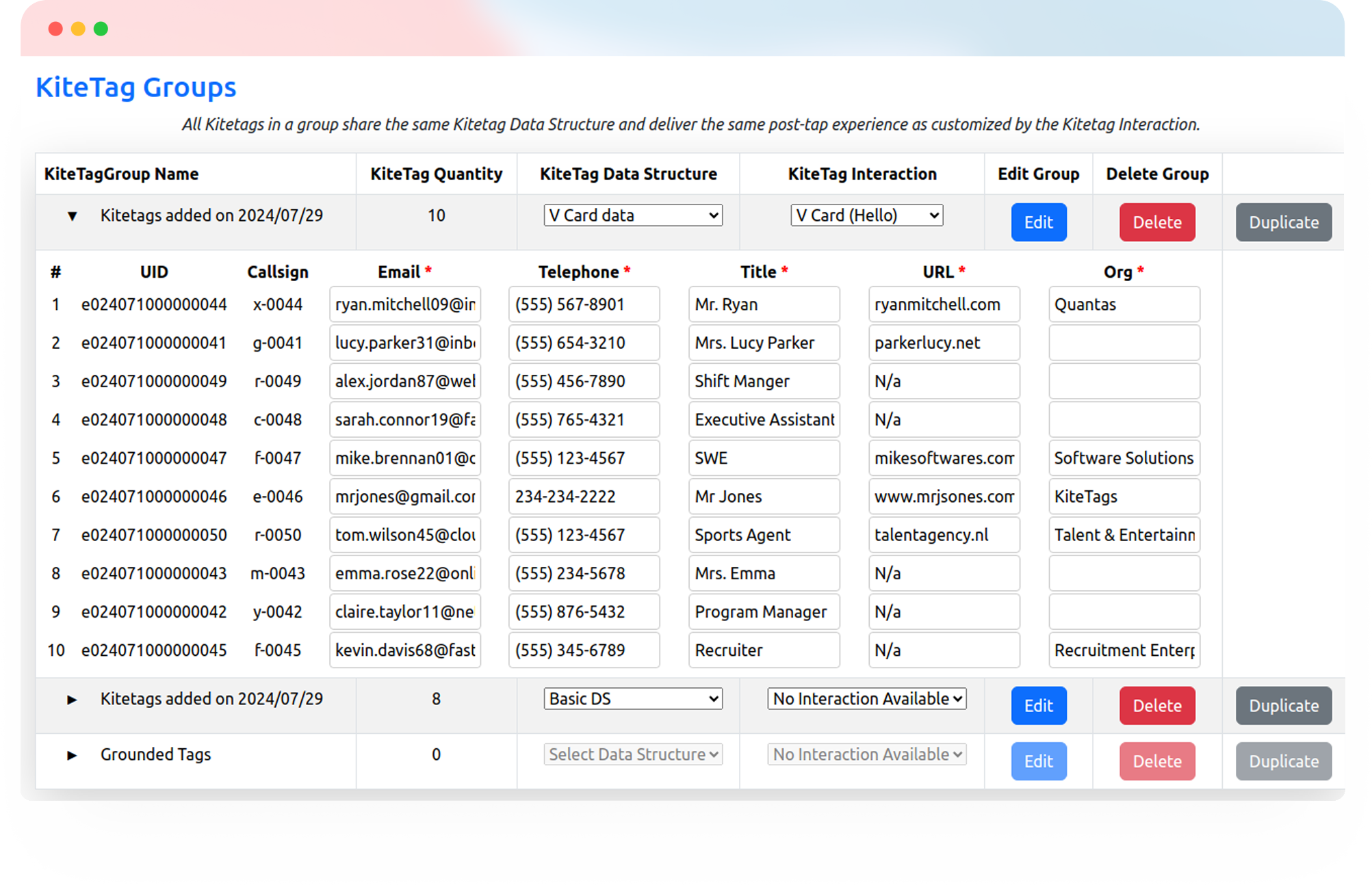
Make every stay easier to experience and easier to manage. Connect guests to hotel services and give teams a simpler way to keep daily operations moving.
Try Kitetags for Free*Shipping and handling fees apply.
From the guest room to the pool, connect people to the right information, service, or workflow at the moment they need it.

Eight simple ways to help guests settle in, explore, and enjoy your hotel.
Give arriving guests quick access to your network details and connection instructions. A tap beside the bedside table or desk opens your Wi-Fi page or guest portal.

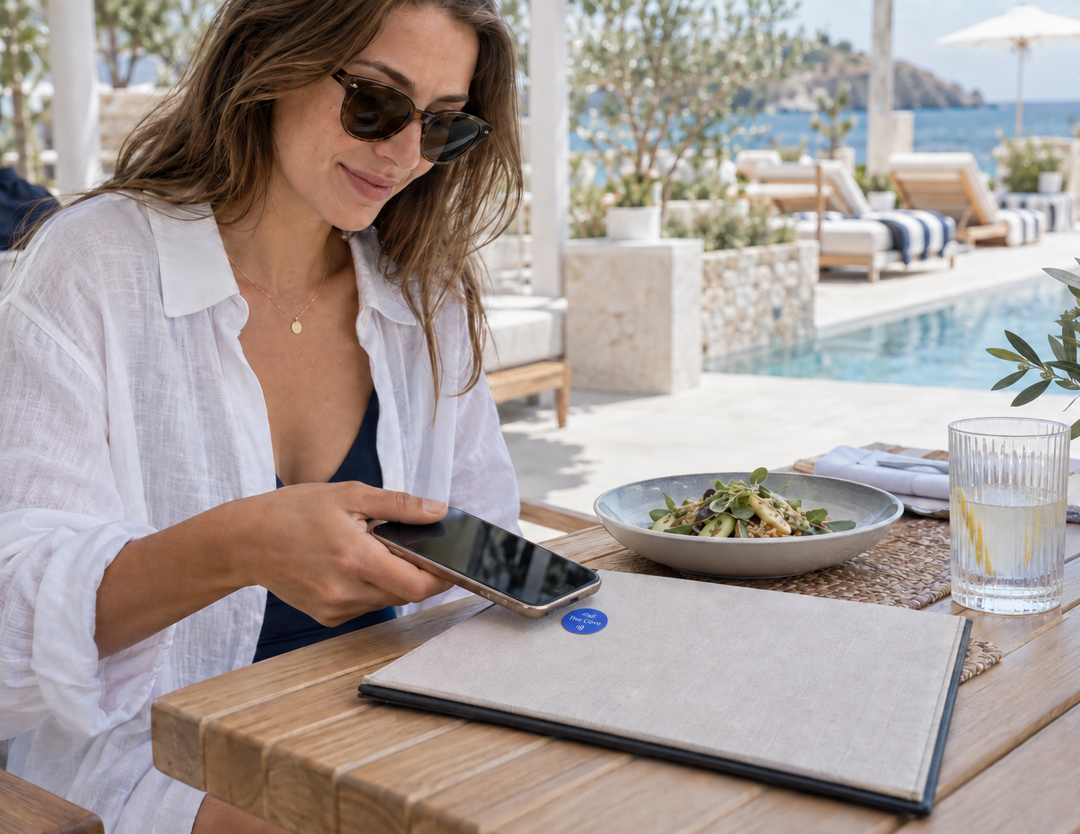
Put restaurant, bar, poolside, and room service menus within reach. Guests tap to browse your current menu, and you can update the destination as dishes and offers change.
Help guests discover today’s yoga sessions, kids activities, classes, and events. Link to your current schedule and booking options so everyone can plan their day.

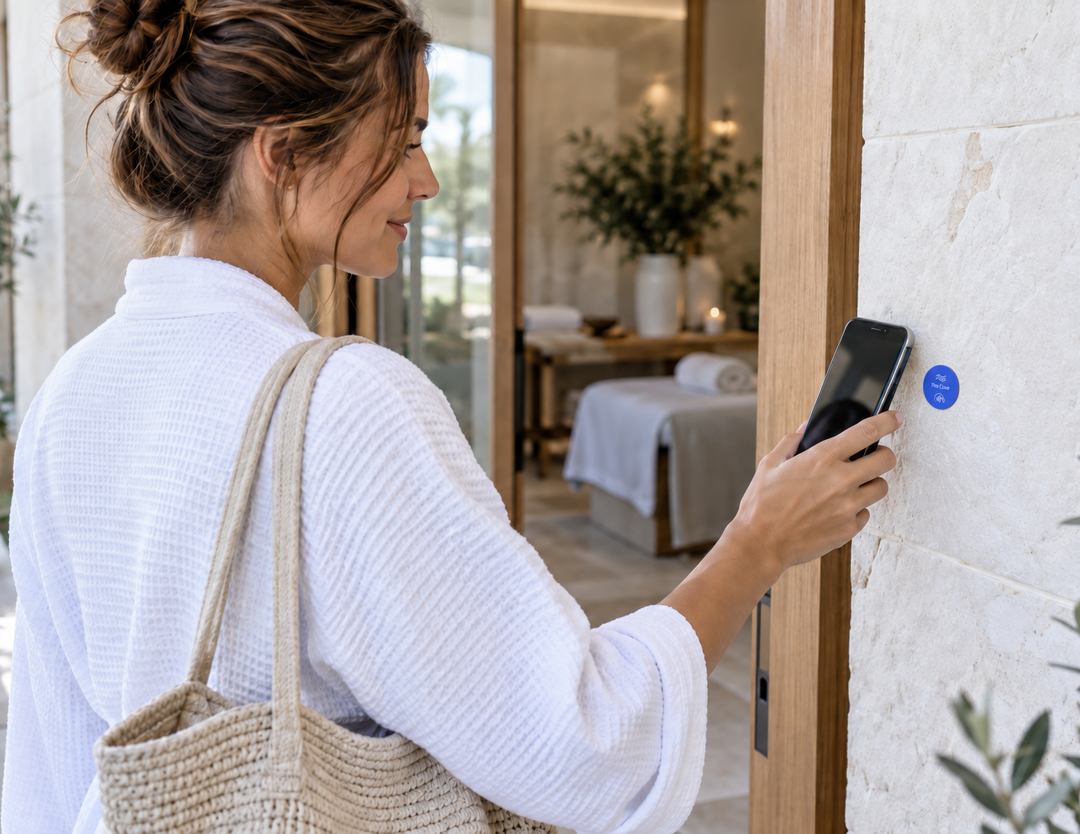
Turn a moment of interest into an easy next step. A tap opens your treatment menu or existing spa booking page, where guests can explore services and available appointments.
Let guests browse in-room dining and open your existing ordering service from their room. Keep menus, service hours, and ordering details easy to find.


Connect poolside touchpoints to your cabana reservation page. Guests can check availability, review details, and reserve through the booking service you already use.
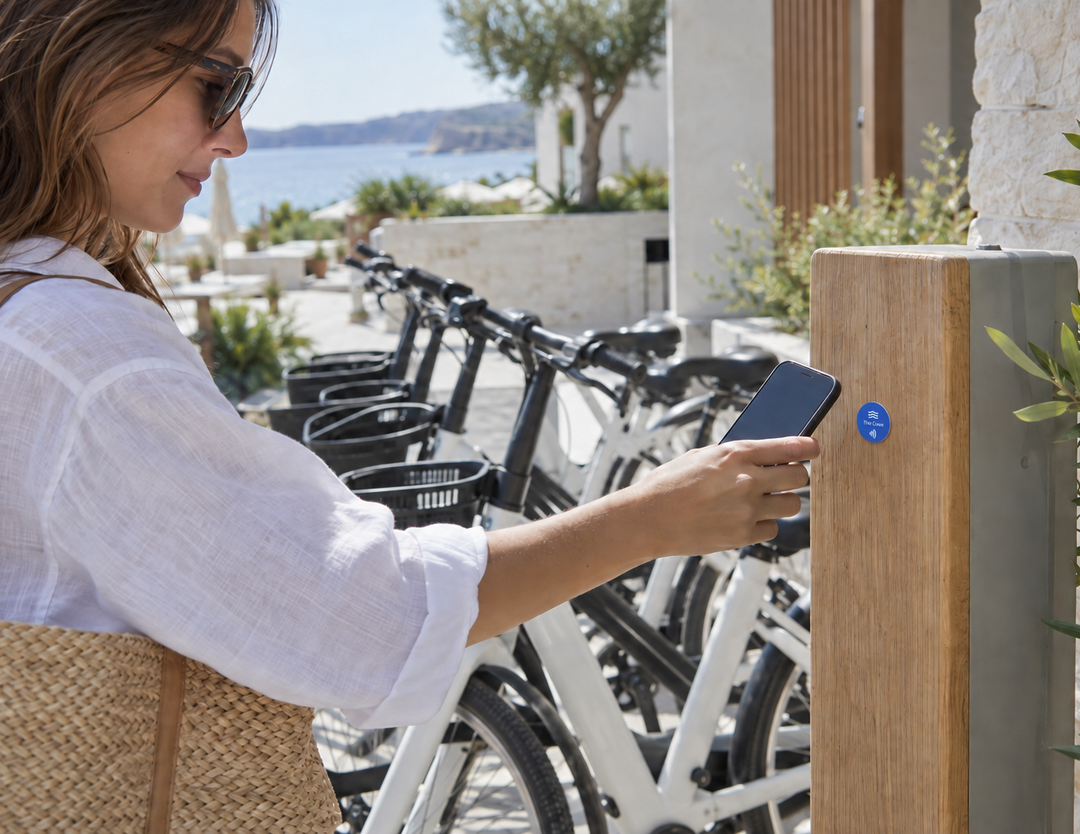
Make exploring the property and nearby area easier. Link a bicycle station tag to rental details, a waiver, or your reservation service.
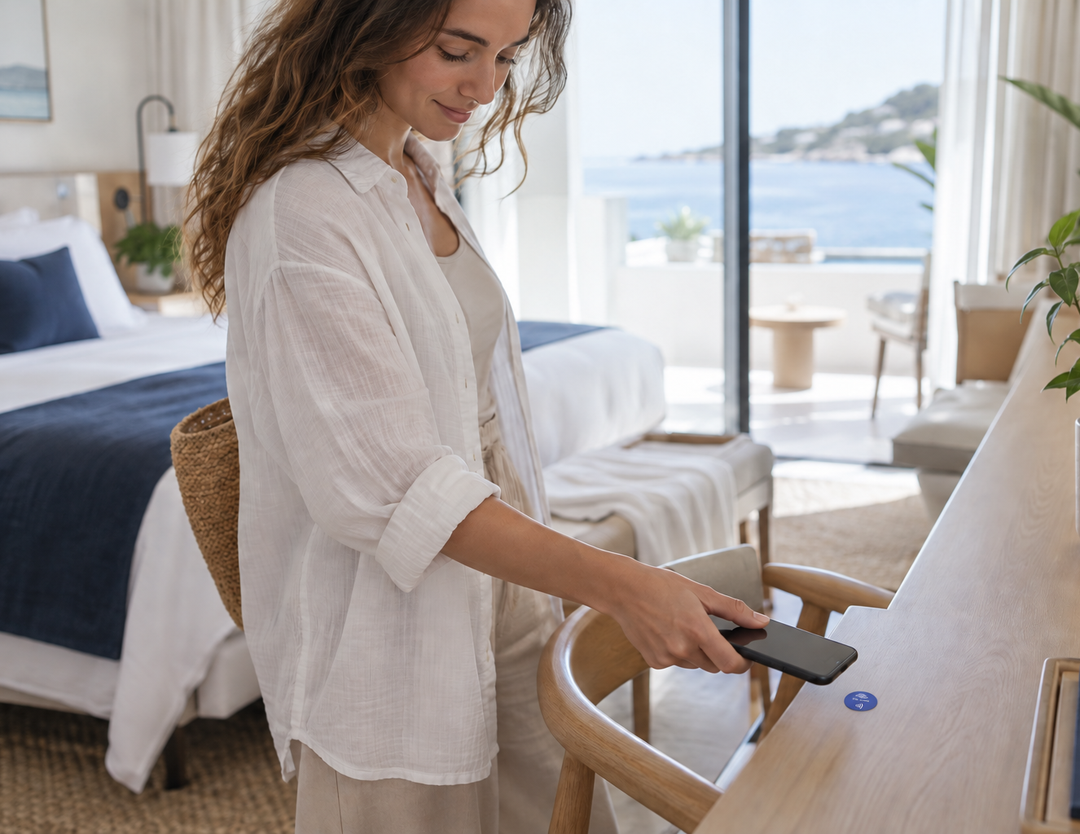
Give guests a simple way to request fresh towels, room cleaning, or other essentials. A tap opens your service request form with clear options for the stay.
Connect rooms, equipment, and teams to the next task with a tap.
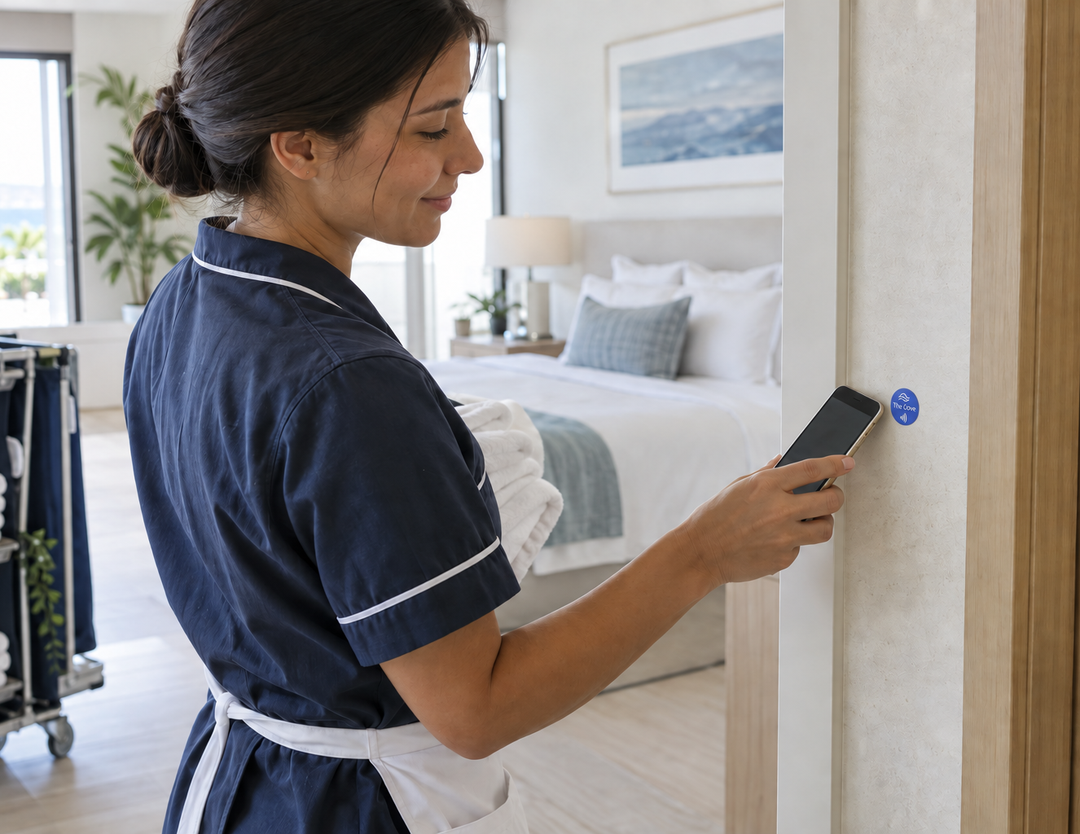
Give housekeeping a direct route to the room’s cleaning checklist. Staff can record completed tasks and submit readiness updates through your connected workflow.
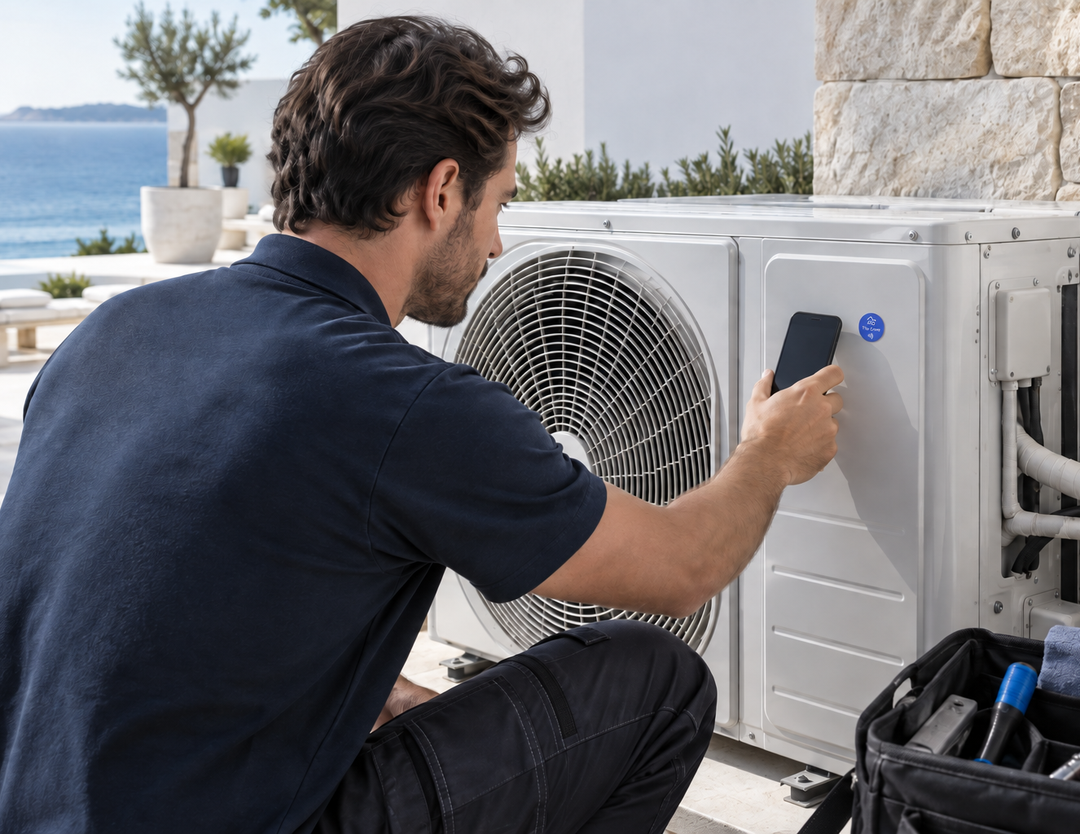
Connect each room or piece of equipment to the right reporting form. Staff can submit an issue, add details, and update repair status in your maintenance system.
Put the right checklist at the point of work. Teams can tap at pools, fitness areas, and shared spaces to open inspections and record checks in your chosen system.
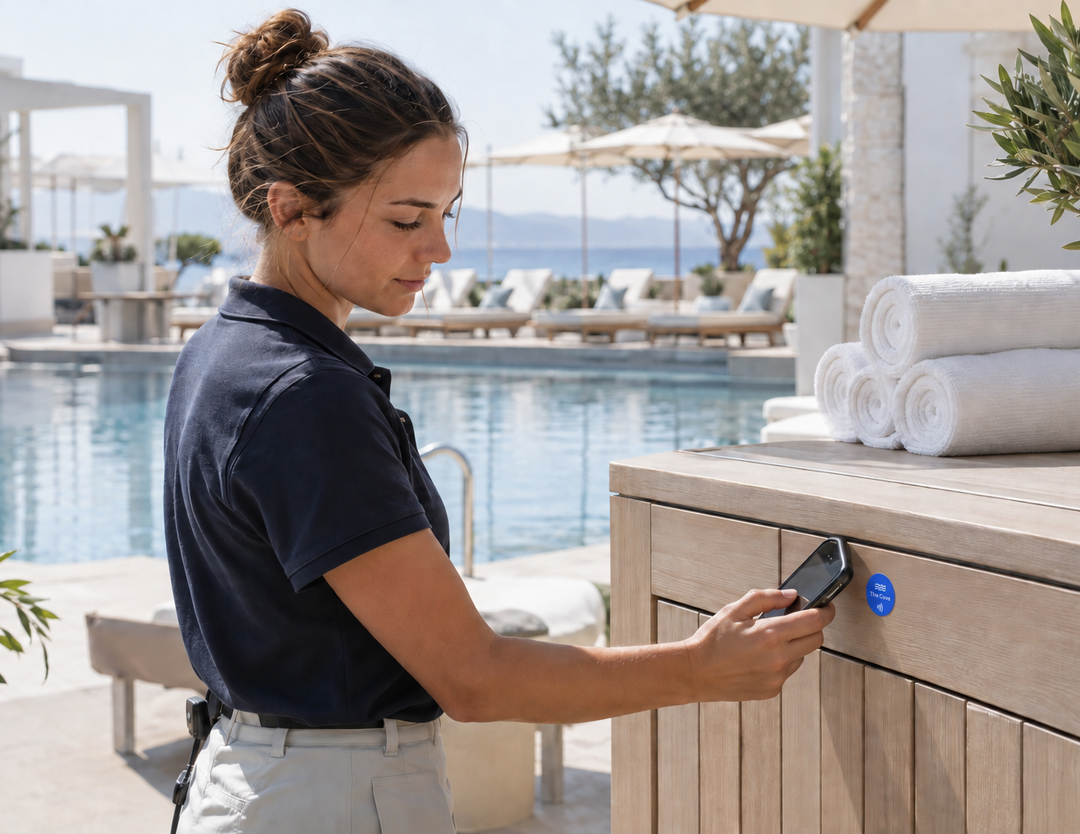
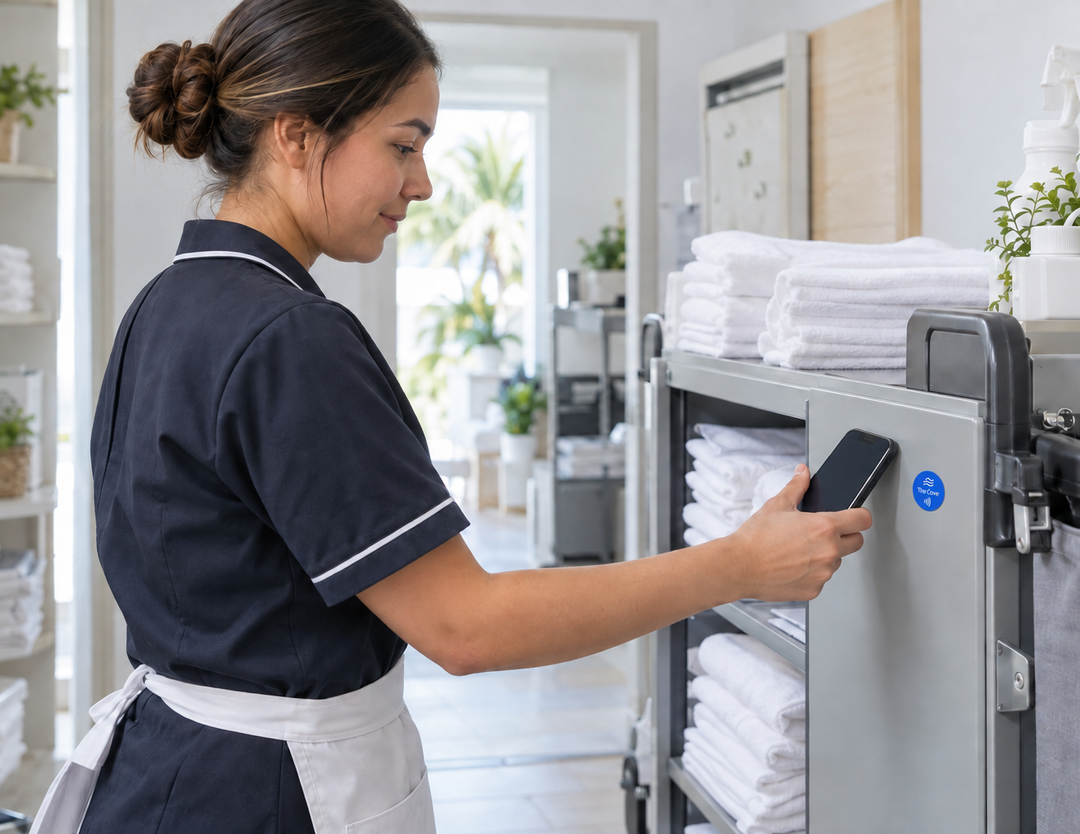
Identify shared equipment with a tap. Open its record, log a checkout or return, and submit location updates so your team has a clearer history of use.
Connect physical touchpoints to your team’s forms, CRM, and internal tools. Use configured integrations, webhooks, or the API to route submissions and support follow-up.
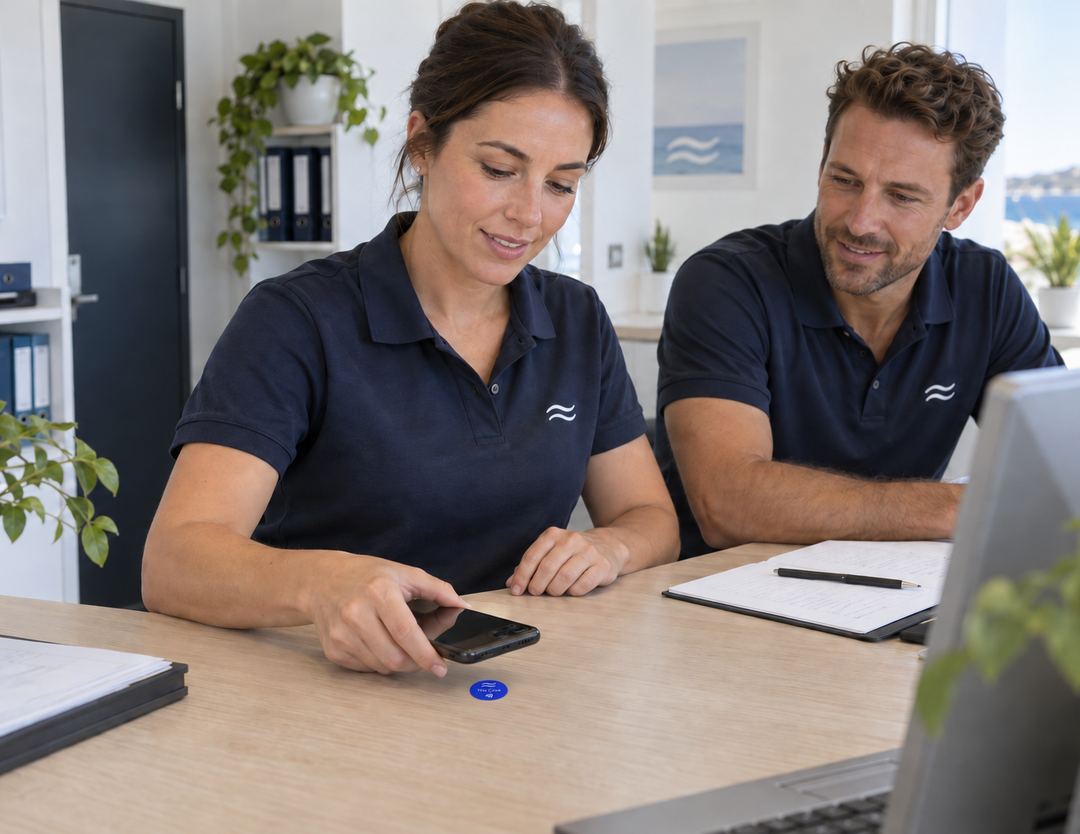
Bring your guest services and internal workflows together. We can help plan destinations and integrations around the systems your team already uses.
Use your company’s name, logo, and colors on cards and tags customers keep. Link each tag to reviews, service requests, or useful information, and update the destination from your kitetags dashboard.
Customize Your BrandA compatible phone taps a physical NFC tag to open an online destination. Link guests to services and staff to the forms, checklists, or records used by your hotel.
No Kitetags app is required. Guests open the destination with a compatible NFC-enabled phone. The booking service, portal, or internal system you link to may have its own sign-in requirements.
Link to your network details, connection instructions, or guest portal. Opening the page does not automatically connect every phone; guests follow the instructions provided.
Yes. Link to your current menu, spa booking, room service, cabana reservation, or bicycle rental destination. Availability, payments, and booking confirmation are handled by the service you connect.
Link a room tag to your service request form. Your configured workflow determines how requests reach the team and how completion is recorded.
A tag can open the relevant checklist, issue form, or asset record. Staff submit updates through the connected system, which manages task status and history.
Use configured integrations, webhooks, or the API where supported. Contact us to plan how forms and interaction data should flow into your CRM and internal tools.
Yes. Change the destination in your Kitetags dashboard or update the linked page. Keep service details and schedules current while leaving the physical tag in place.
Use a small round sticker flat on a suitable surface at the point of use. A thin NFC card works well for an in-person handoff at reception. Plan outdoor and equipment placements for their environment.
Real moments. Meaningful connections. One platform for the moments that move business forward.