Help shoppers explore products, access offers, and reach store services. Give teams a direct route to stock records, display instructions, and daily workflows. One tap opens the right next step for each location.
Try Kitetags for Free*Shipping and handling fees apply.
From shelves and service counters to stockrooms and staff workspaces, connect customers and teams to information for the store, department, or product in front of them.

Building better connections between homes and the professionals who care for them.
Connect shelf and display tags to product details, size and color options, and availability shown by your existing shopping platform. Shoppers can explore the item in front of them with a tap.


Make current offers and rewards easier to reach. Link tags to campaign pages, loyalty signup, or membership accounts, with destinations tailored to the store or promotion.
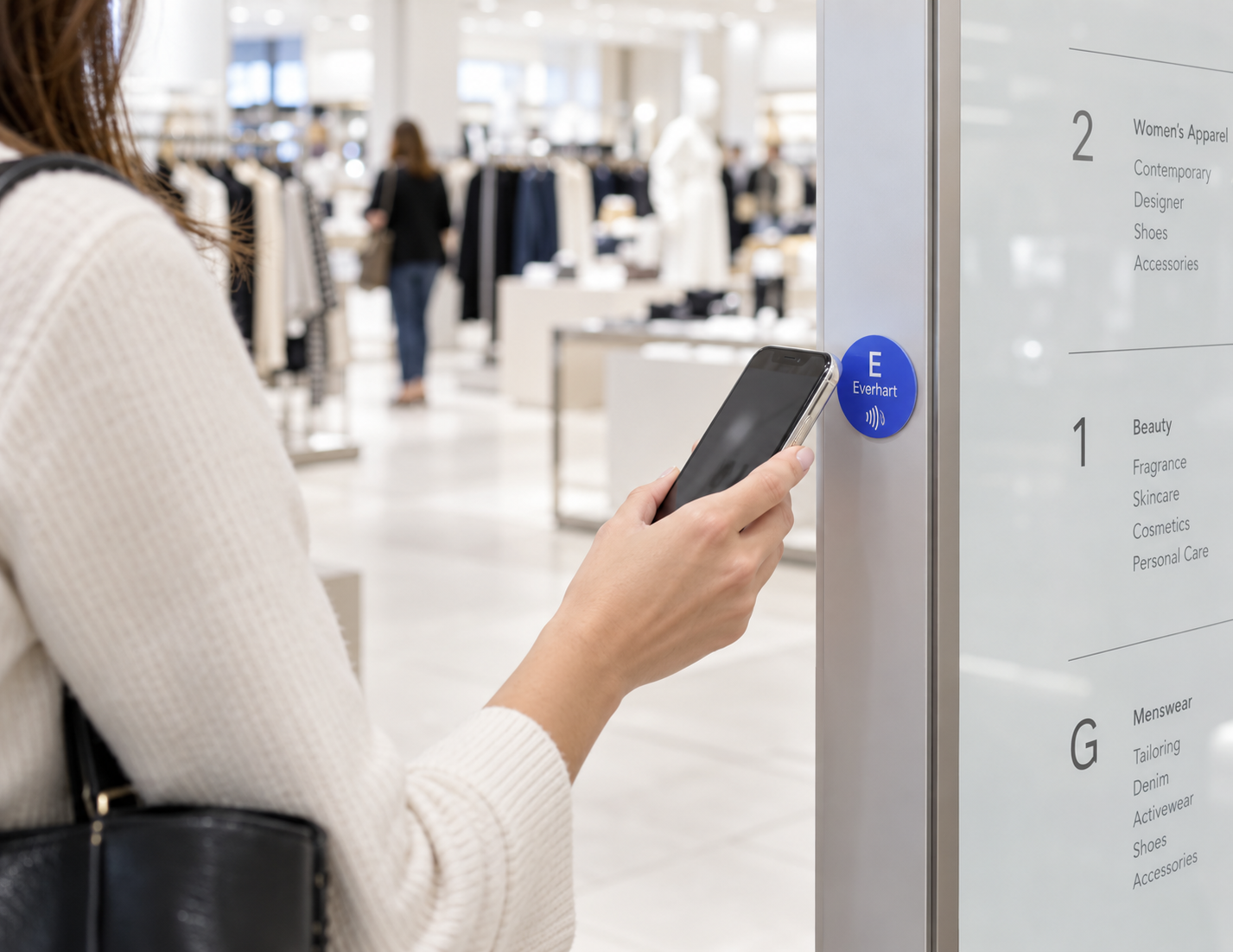
Help shoppers navigate larger stores. Open the location’s map, department directory, or information about fitting rooms, alterations, customer service, and other available services.
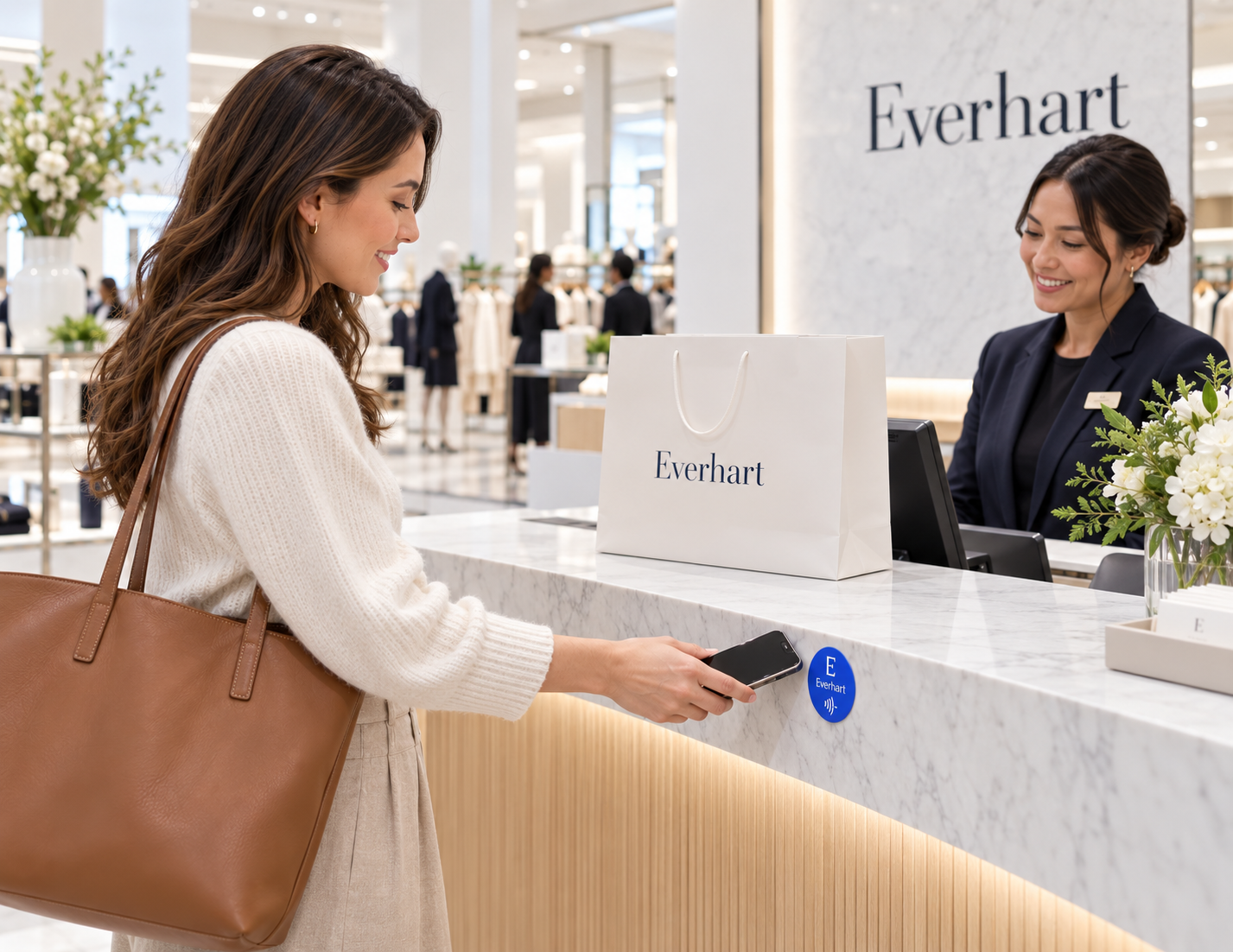
Give shoppers a clear tap point at pickup or customer service. Open your existing order-pickup or returns process, where customers complete the required steps and receive confirmation.
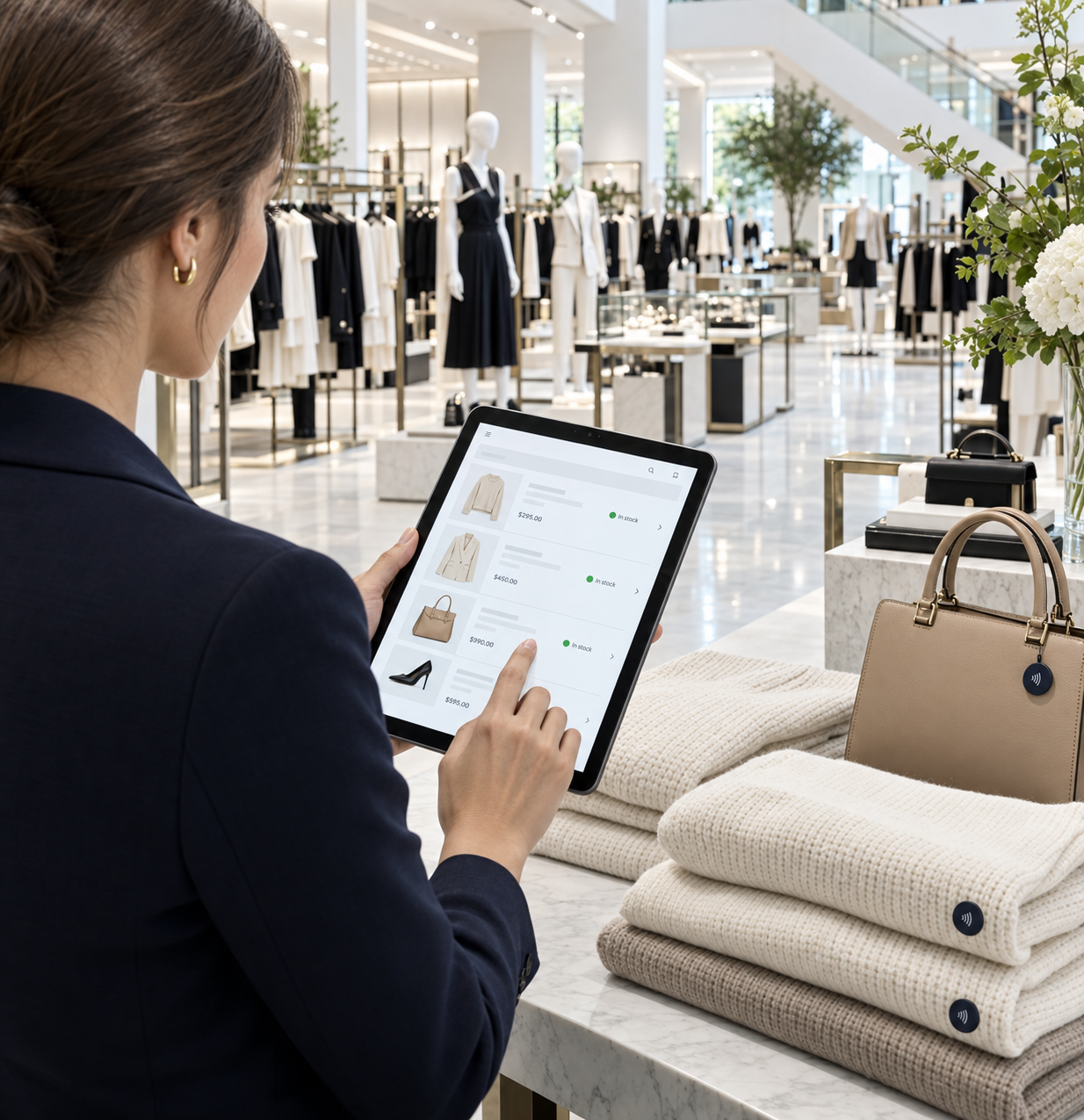
Put the relevant stock record or replenishment form within reach of the shelf. Staff can check information and submit restocking requests through your existing inventory workflow.

Give shoppers a clear tap point at pickup or customer service. Open your existing order-pickup or returns process, where customers complete the required steps and receive confirmation.
Connect teams to approved display instructions, campaign materials, and setup checklists. Store-specific tags help staff find the guidance for the department or promotion they are preparing.

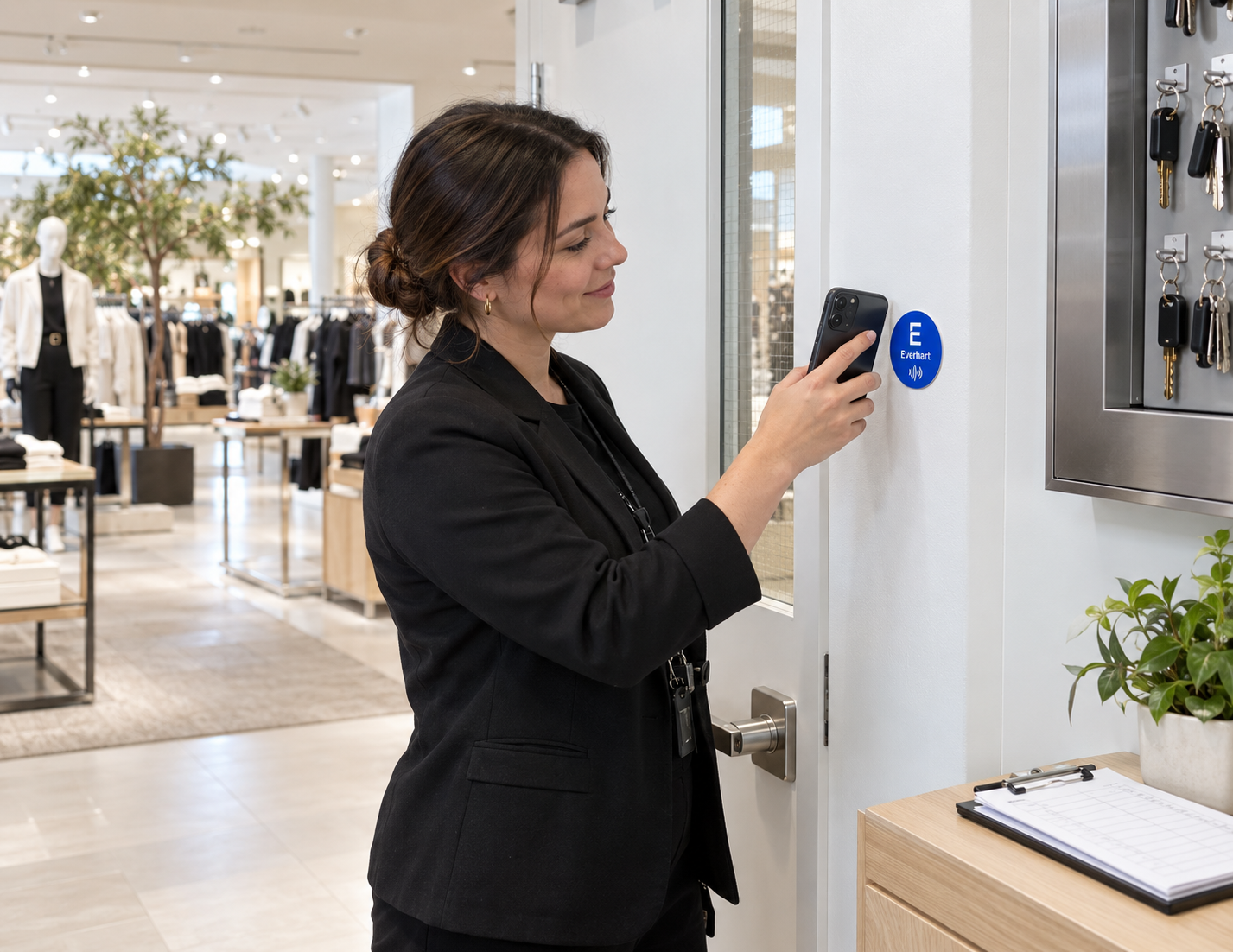
Give teams a direct route to location-specific preparation, inspection, and closing tasks. Staff record completion in your existing checklist or operations system.
Tell us what you want a tap to do. Contact us for help planning your interaction or connecting it to your tools.
Use your company’s name, logo, and colors on cards and tags customers keep. Link each tag to reviews, service requests, or useful information, and update the destination from your kitetags dashboard.
Customize Your BrandKitetags connect physical NFC tags to online destinations. Customers and staff tap with a compatible phone to open information or a workflow for the relevant store, department, product, or asset.
Yes. Link a tag to the product page in your existing shopping platform. That platform supplies the details, options, and availability it displays; the tag itself does not measure stock.
Yes. Update a tag’s destination through Kitetags when an offer or campaign changes. You can also keep the destination the same and update the content on the linked page.
A tag can open your existing loyalty signup or account page. Your loyalty platform manages membership, sign-in, rewards, and any account activity.
Yes. Give tags destinations specific to the location or department, including store maps, fitting-room information, and service directories maintained by your team.
Yes. Open the appropriate page in your existing pickup or returns process. The connected system handles order identification, eligibility, submitted information, and confirmation.
Yes. Link tags to the store’s assistance or feedback form. Request routing, staff notifications, and response times depend on the process and tools you configure.
Yes. Tags can open stock records, replenishment forms, campaign instructions, and setup checklists. Your inventory and operations systems store the information and handle submitted updates.
Yes. Place tags near equipment or work areas to open issue-reporting forms and location-specific checklists. Staff submit details and completion updates through your existing workflow.
Use clearly labeled tags for each audience. Link internal records to systems that require staff sign-in and appropriate permissions; access is controlled by the destination system.
Pilot a focused use case in one store or department, such as product information or display setup. Test the destination pages with shoppers or staff, then extend the approach across locations.
Real moments. Meaningful connections. One platform for the moments that move business forward.