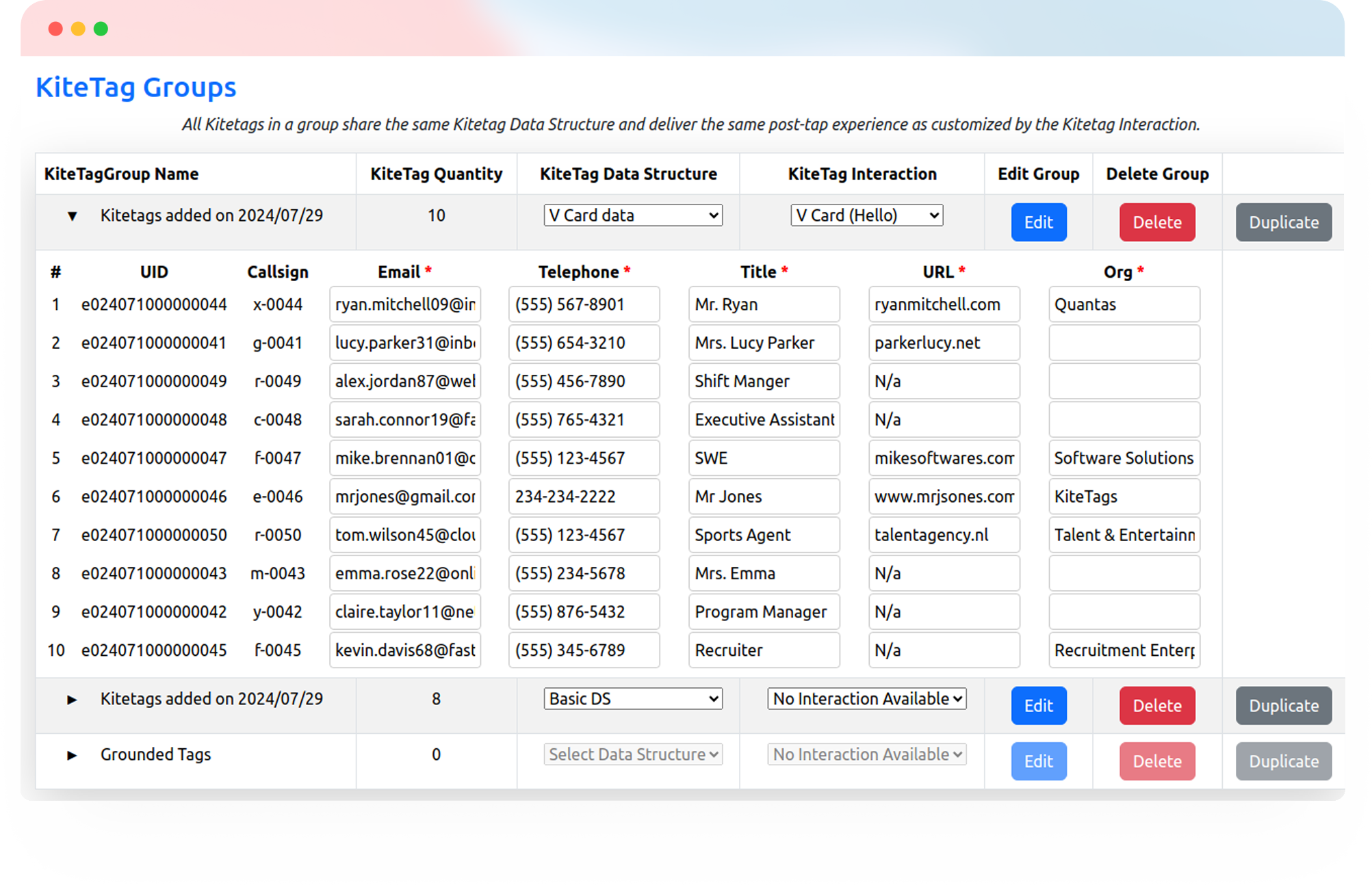
Give caregivers a simple way to open check-in forms, visit instructions, and follow-up tools. One tap connects them to the systems your care team already uses.
Try Kitetags for Free*Shipping and handling fees apply.
From a designated check-in point in a client’s home to reception desks and staff areas, Kitetags make everyday care resources easier to reach.
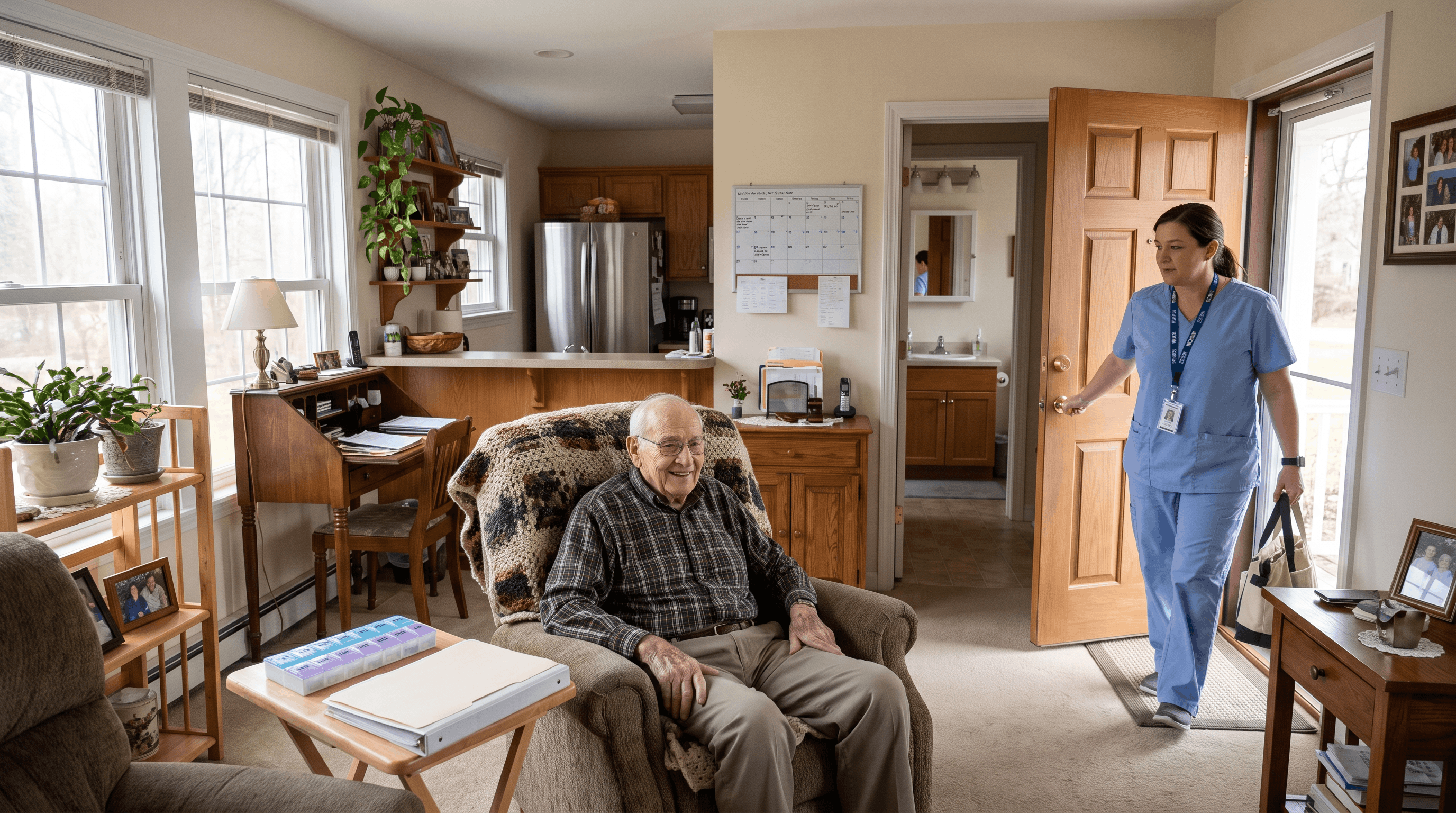
Put useful check-in, communication, and follow-up links where your team needs them, then manage and update those destinations from one place.
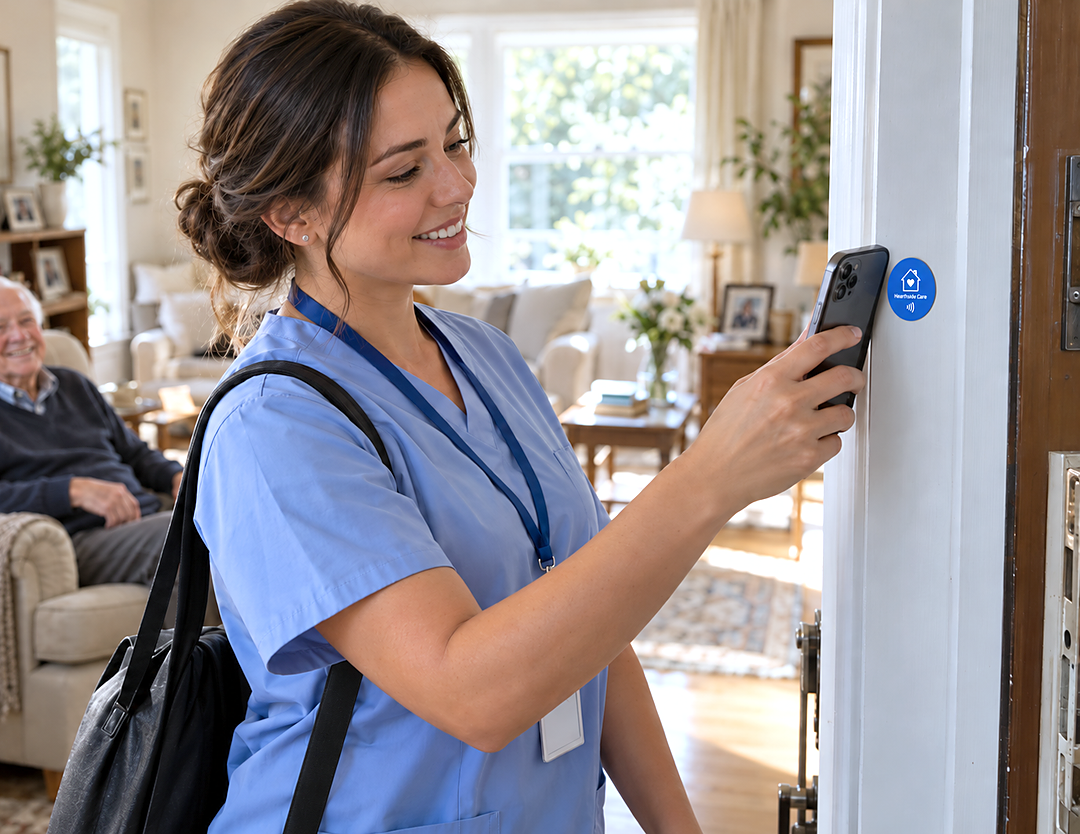
Give caregivers a clear place to begin a visit. Link a Kitetags to your check-in form or care platform so they can open it, sign in, and record their arrival through your existing workflow.
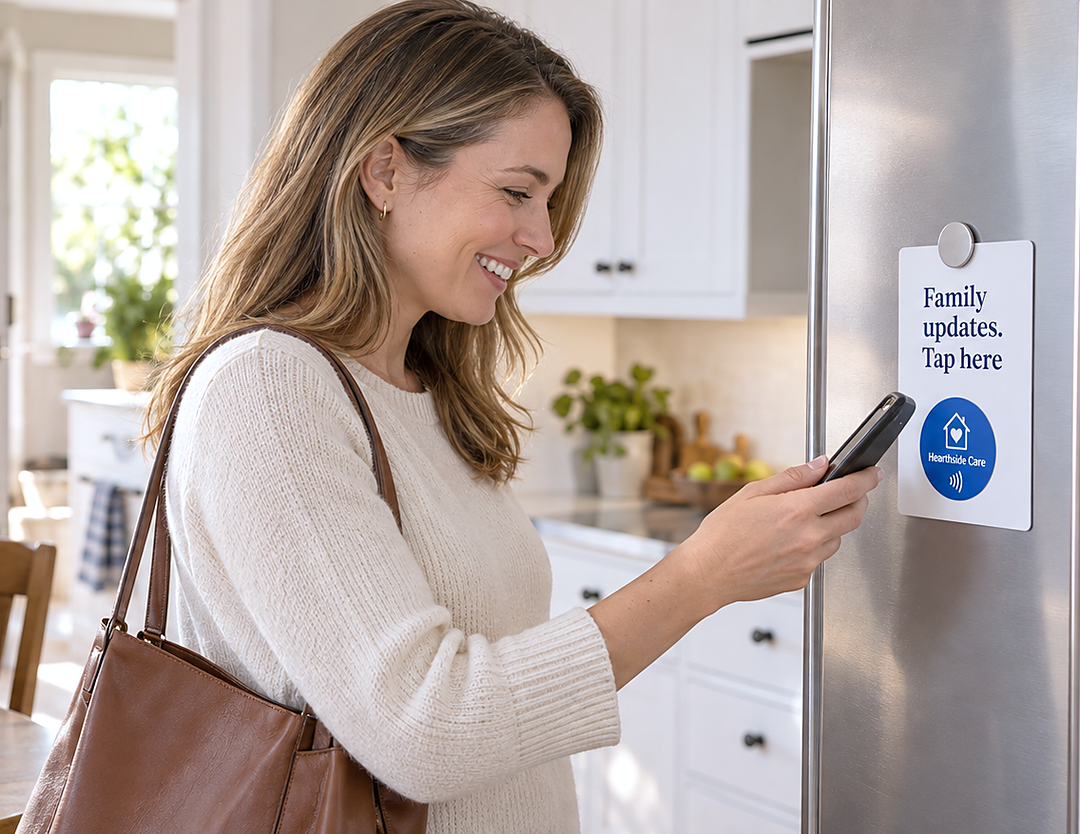
Make your family-update portal or communication workflow easier to reach. Caregivers or authorized family members can open the appropriate page, with updates and notifications handled by your connected system.
Put the route to visit details within easy reach. Link a Kitetags to your staff portal so authorized caregivers can sign in and view the instructions your team has prepared.
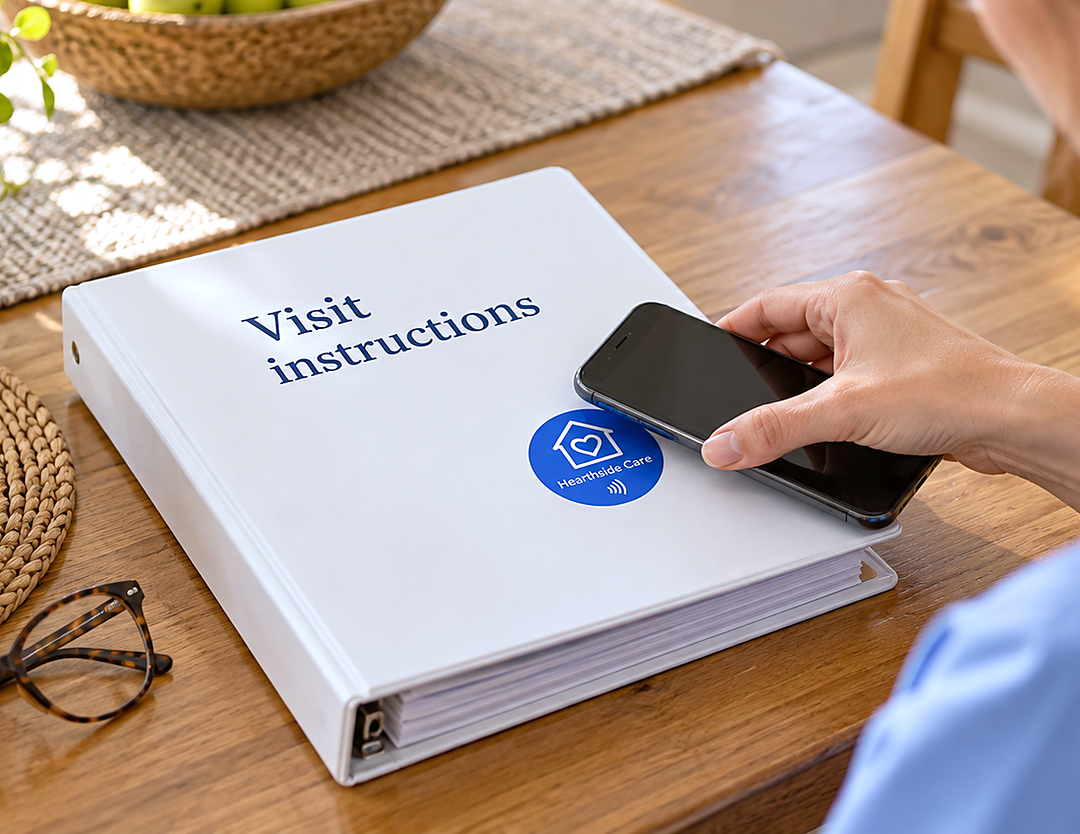
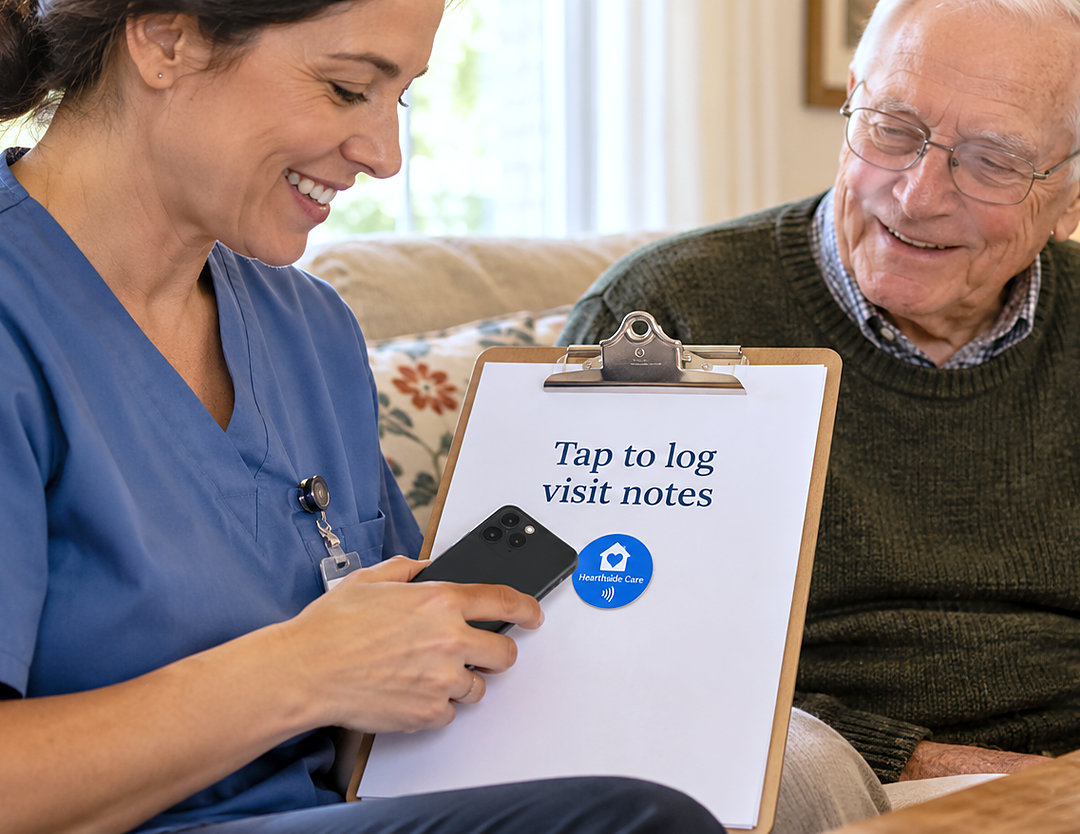
Help caregivers reach the form they use to record visit notes and follow-up needs. Keep submissions in your existing care system, where your team can review and act on them.
Make coordinator and support details easy to find. Link to your team’s contact page or communication portal so caregivers and families can reach the right person for routine questions.

Tell us what you want a tap to do. Contact us for help planning your interaction or connecting it to your tools.
Use your company’s name, logo, and colors on cards and tags customers keep. Link each tag to reviews, service requests, or useful information, and update the destination from your kitetags dashboard.
Customize Your BrandKitetags connect physical NFC tags to online destinations you manage. A caregiver or family member taps with a compatible phone to open a check-in form, care portal, contact page, or another useful link.
Place a Kitetags at a designated check-in point and link it to your check-in form or care platform. Caregivers tap to open the destination and complete the steps your system requires to record their arrival.
No. Opening a link is not the same as completing a check-in or confirming care was delivered. Your connected system handles the identity checks, submissions, and visit records used by your team.
If your connected care platform or configured workflow supports arrival notifications, link the Kitetag to that check-in process. Notification recipients, timing, and delivery are managed by that system.
No Kitetags app is needed to open a tag’s link with a compatible NFC-enabled phone. The care portal or service you link to may have its own sign-in or app requirements.
Yes. Link to your staff portal or visit-note form so authorized caregivers can open the resource and sign in. Instructions, notes, and follow-up submissions stay within the systems you use for that work.
Link to a care system that requires sign-in and applies your intended access permissions. A Kitetag provides a route to that system; the physical tag itself does not decide who can view private information.
Yes. Assign destinations for different locations or purposes, such as check-in, visit notes, or contacting a coordinator. Keep access to individual care information controlled by the destination system.
Yes. Update the destination in your Kitetags dashboard without replacing the physical tag. Point it to a new form, portal, or contact page when your team’s process changes.
Use designated check-in points, reception desks, staff areas, or provider cards. Add your name, logo, colors, and a clear call to action. Choose a visible, reachable placement suited to the tag and its intended users.
Start with a free Kitetags and free monthly plan, customize it for your provider, and choose one useful destination, such as your caregiver check-in page. Test the full workflow before putting it into use. Shipping and handling fees apply.
Real moments. Meaningful connections. One platform for the moments that move business forward.