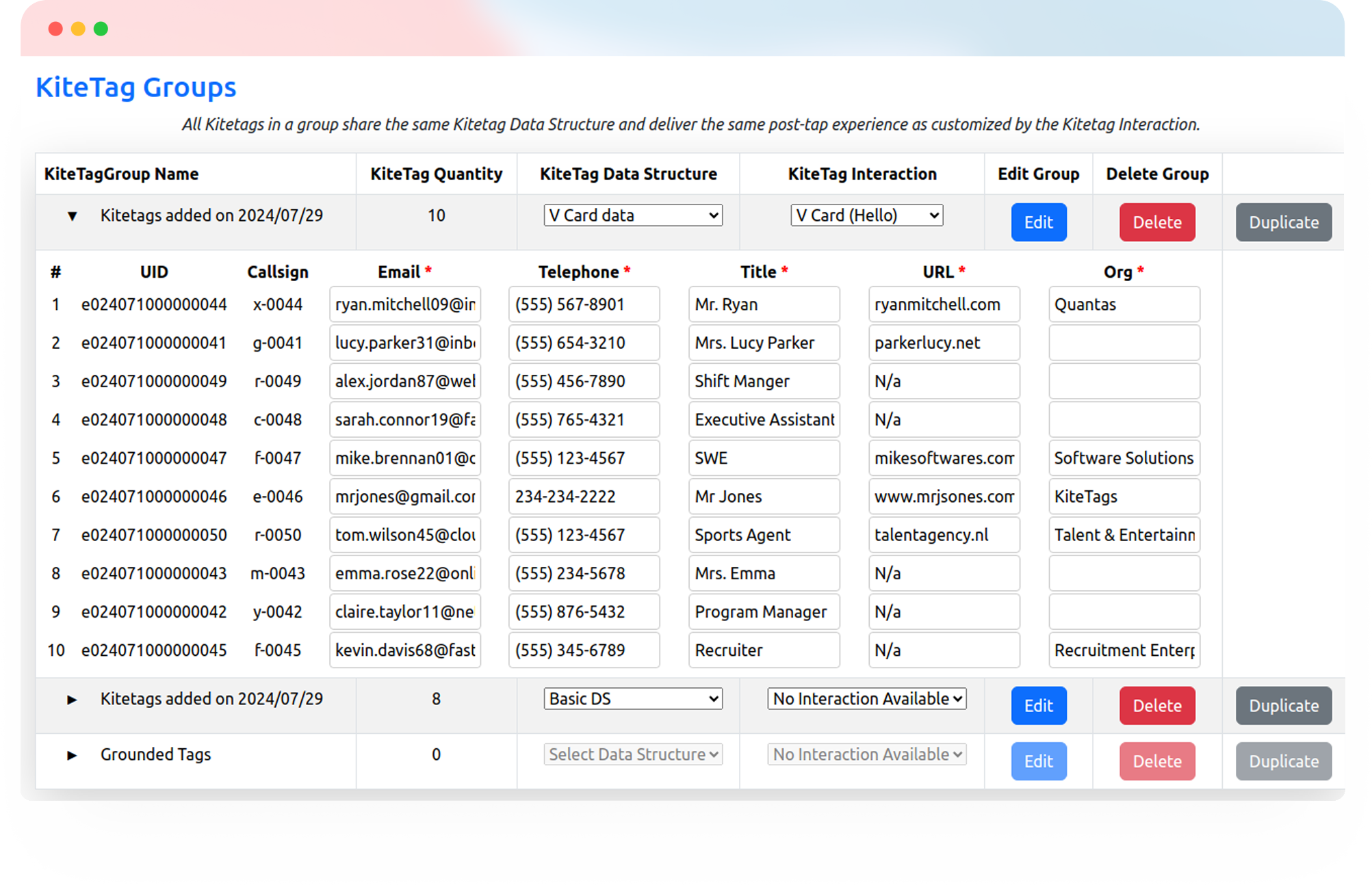
Give buyers and visitors a simple way to explore a property, register interest, or check in at an open house. One tap opens the information or form you choose.
Try Kitetags for Free*Shipping and handling fees apply.
From equipment and service cards to leave-behinds, keep your business within reach wherever customers need you.

Connect property information, visitor forms, and agent touchpoints, then manage and update them from one place.
Give buyers one-tap access to your listing page, floor plans, virtual tour, or digital brochure. Keep the destination current as property details change.


Make it easy for prospective buyers to request more information or express interest in a property. Link directly to the interest form your team already uses.
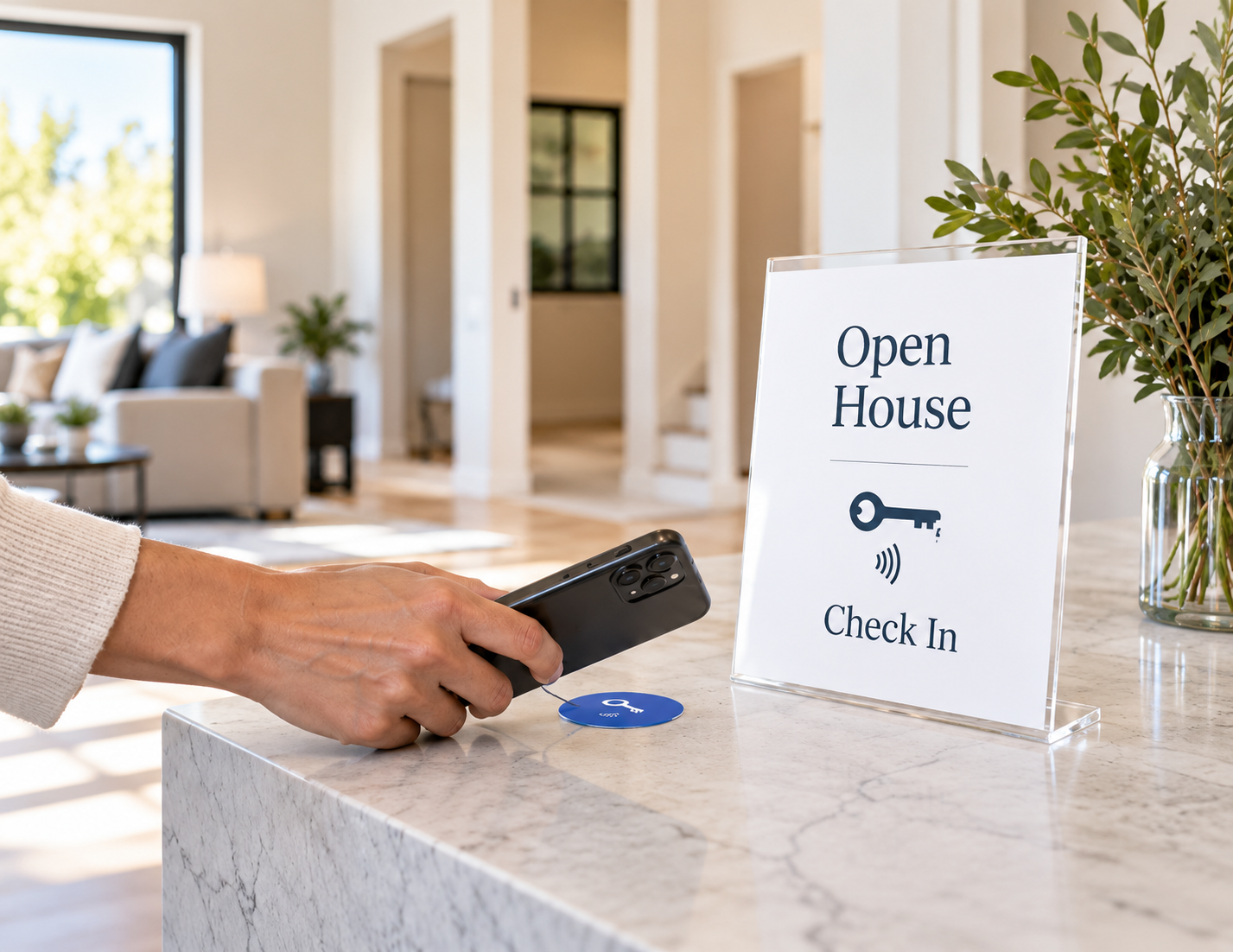
Place a Kitetags at the entrance or welcome table so visitors can open your check-in form with a tap. Keep the arrival experience simple and easy to follow.

Connect visitors to your online registration form from a property brochure, display, or reception desk. Collect the details you need through your existing form provider.
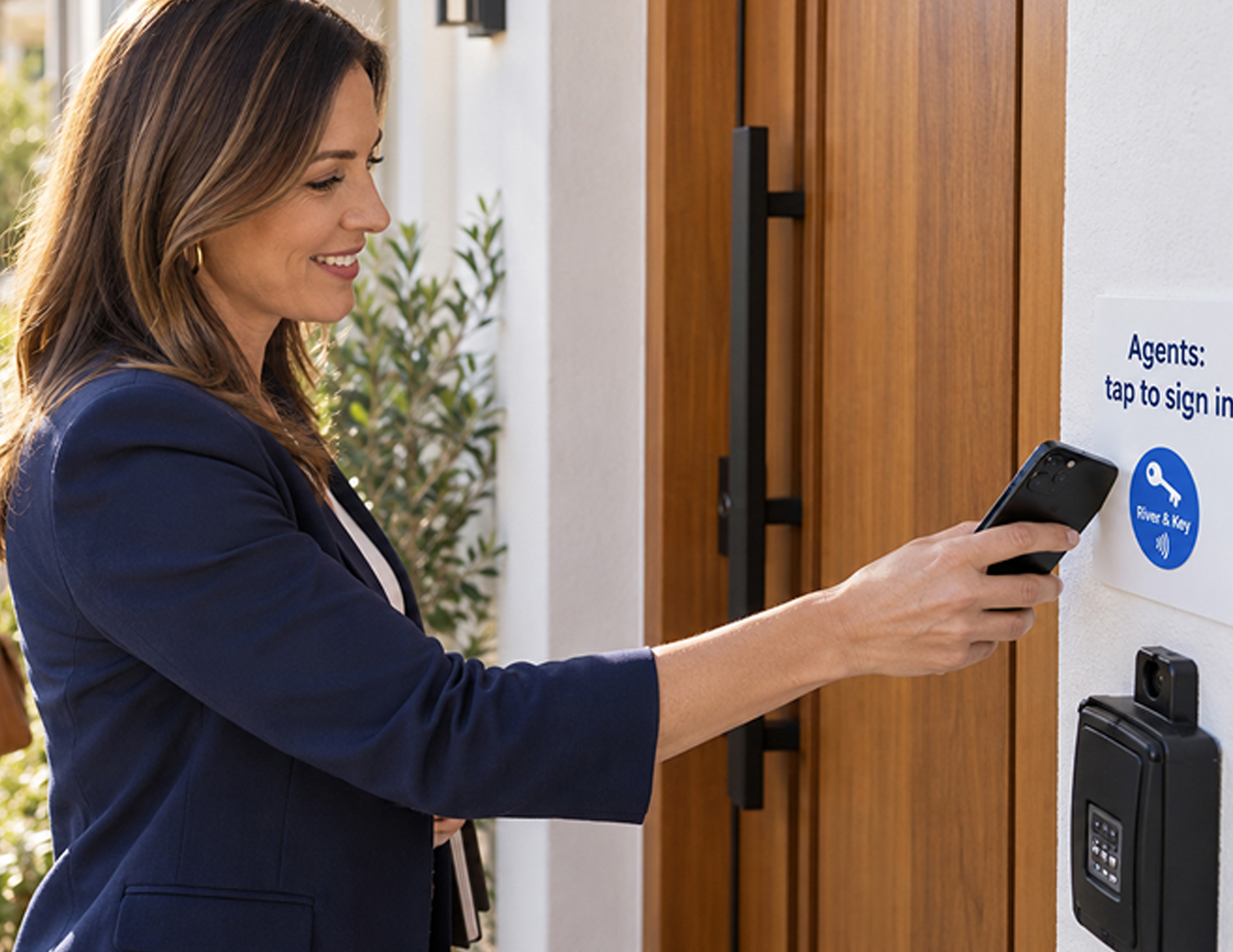
Give visiting agents a dedicated tap point for your agent sign-in page or form. Keep agent registration separate from the buyer and visitor experience.
Tell us what you want a tap to do. Contact us for help planning your interaction or connecting it to your tools.
Use your company’s name, logo, and colors on cards and tags customers keep. Link each tag to reviews, service requests, or useful information, and update the destination from your kitetags dashboard.
Customize Your BrandKitetags connect physical NFC tags to online destinations you manage. A buyer, visitor, or agent taps a tag with a compatible phone to open property information, an interest form, a check-in page, or another useful link.
No. Visitors tap a Kitetags with a compatible NFC-enabled phone and open the destination in their browser.
Link a Kitetags to your existing listing page, digital brochure, floor plans, virtual tour, or property information page. You choose the destination visitors see.
Yes. Link a Kitetags to your interest form so visitors can share their details or request a follow-up. The form you use determines which information is collected and where it is saved.
Place a Kitetags at the entrance or welcome table and link it to your online check-in form. Visitors tap to open the form and enter their details.
Yes. Use a dedicated Kitetags to open your agent sign-in page or form. Any login or access requirements are handled by the service you link to.
Yes. Link to an existing online registration form. Visitors open it with a tap, and submissions are handled by your form provider.
Yes. Change the destination in your Kitetags dashboard without replacing the physical tag. Point visitors to updated property information or another relevant page.
Yes. Assign different destinations to tags for individual properties, open houses, or agents, and manage them through Kitetags.
Use branded cards, brochures, stands, or suitable signage at visible, reachable touchpoints. Add your agency’s name, logo, colors, and call to action, and choose a tag suited to its surface and environment.
Start with a free Kitetag and free monthly plan, customize it for your agency, and choose your first destination, such as a property listing or open-house check-in form. Shipping and handling fees apply.
Real moments. Meaningful connections. One platform for the moments that move business forward.