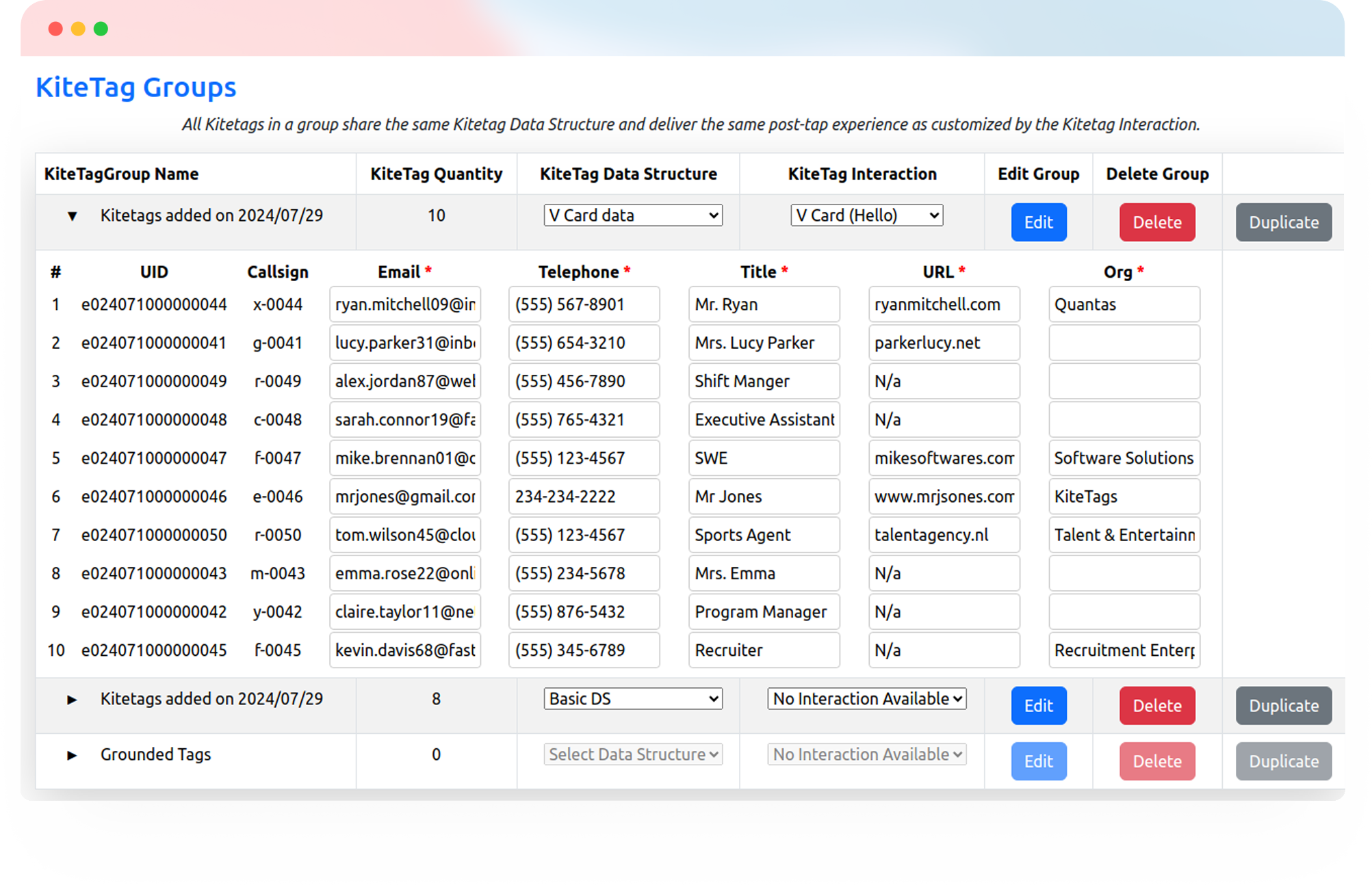
Help patients and visitors find their way, and give staff quick access to the resources and workflows they use. Connect signs, reception desks, rooms, and equipment to the right destination with a tap.
Try Kitetags for Free*Shipping and handling fees apply.
From hospital entrances and waiting rooms to shared equipment and staff workspaces, make useful information easier to reach at the point of need.
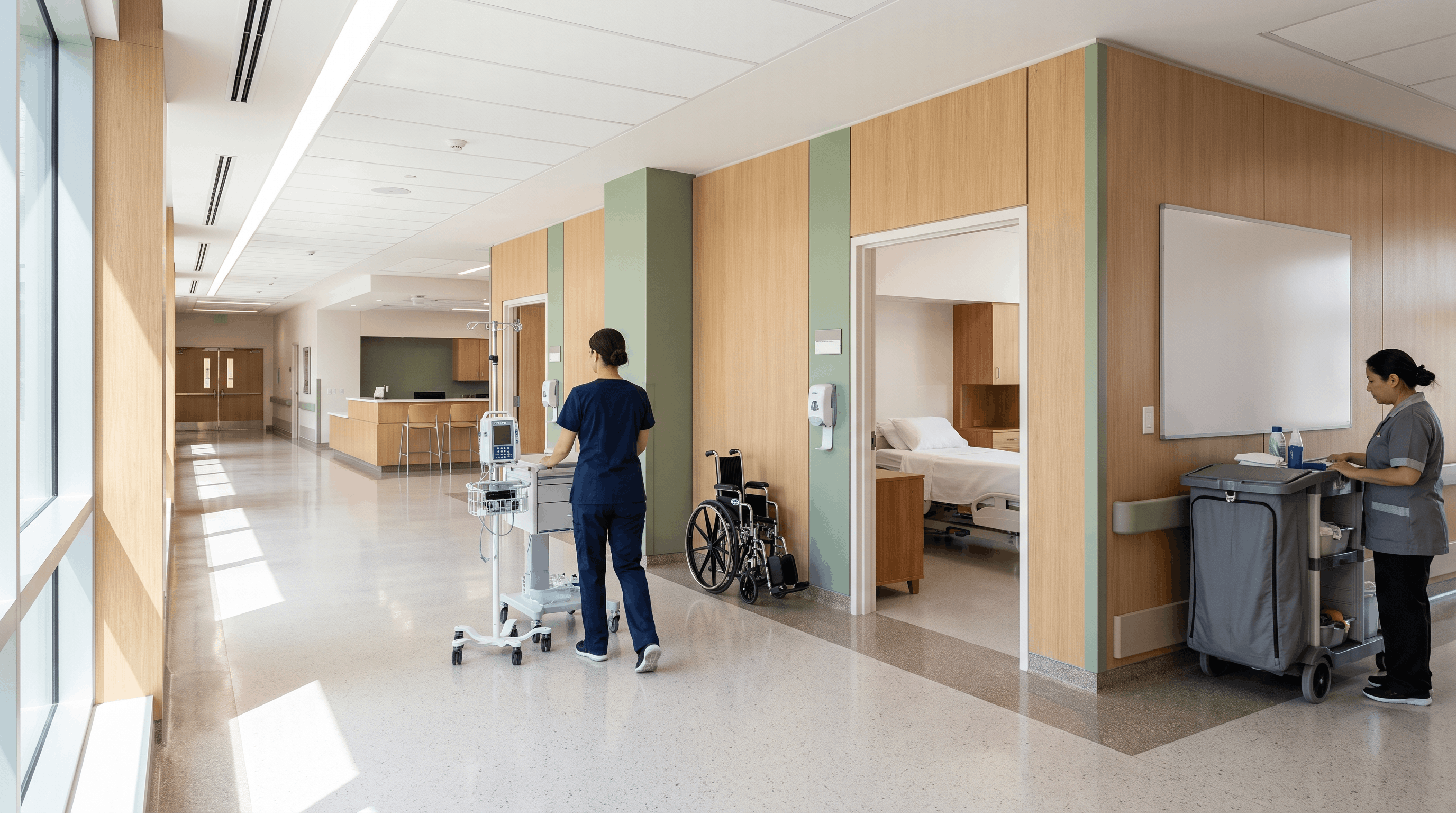
Manage useful tap points across facilities and departments, with destinations tailored to the people who use them.
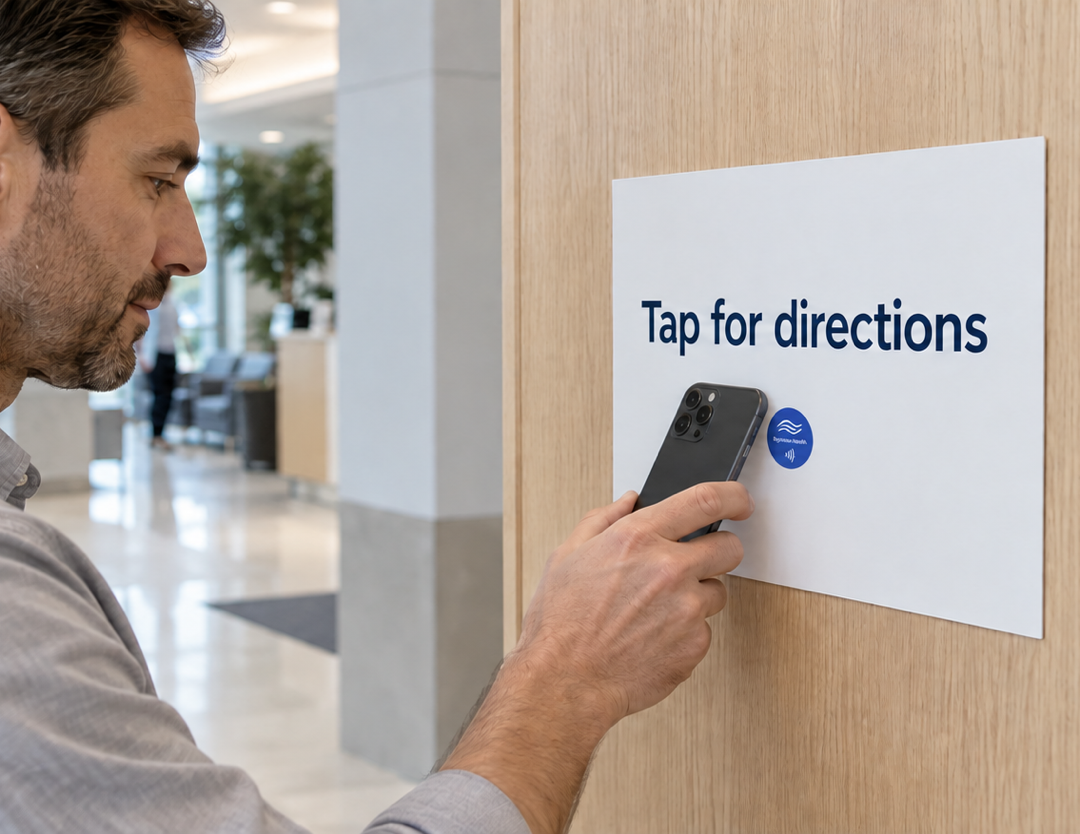
Help patients and visitors find their next stop. Place tags on signs to open facility maps, department directions, parking information, or accessible-route guidance maintained by your team.

Give patients a tap point at reception to open your existing check-in page or patient portal. Your appointment system handles identification, submitted information, and confirmation.
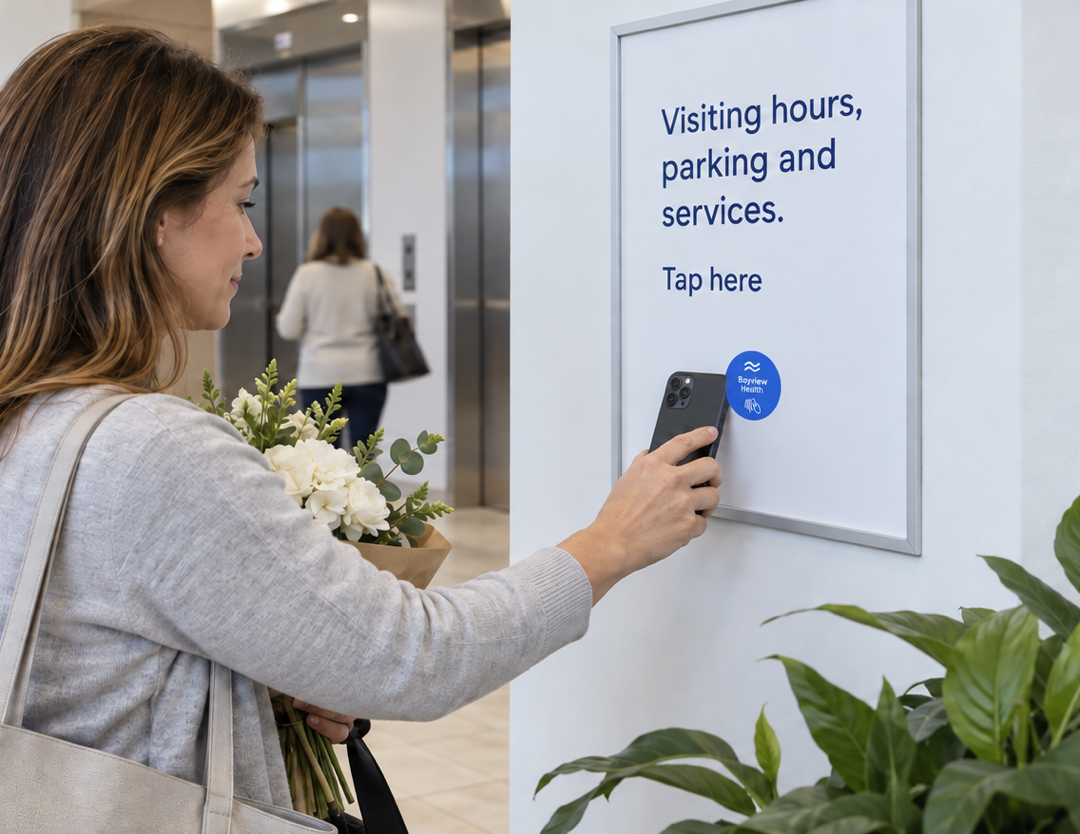
Make everyday information easier to find from waiting rooms and bedside areas. Link to visiting hours, amenities, department contacts, and patient or family support services.
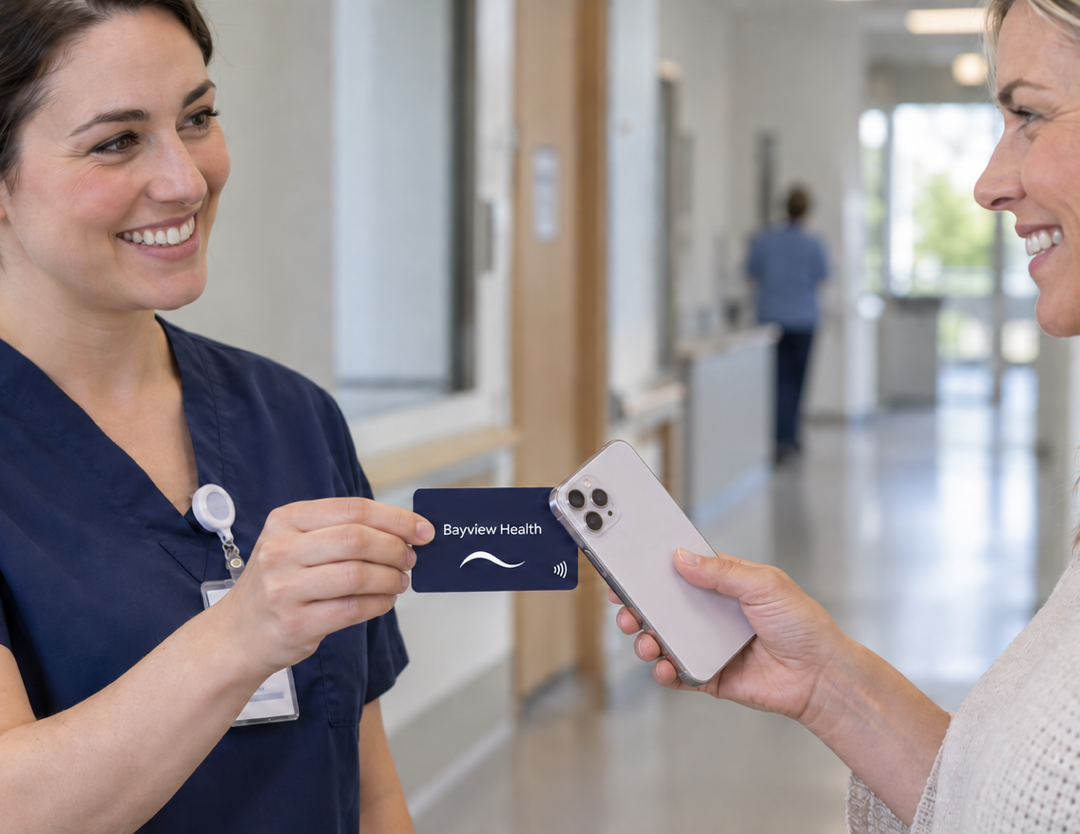
Connect patients and families to the feedback form for the facility or department they visited. Give them a simple way to share their experience through your existing feedback process.
Put approved resources within reach of the equipment itself. Link tags to current operating guides, cleaning procedures, or training materials maintained by your organization.
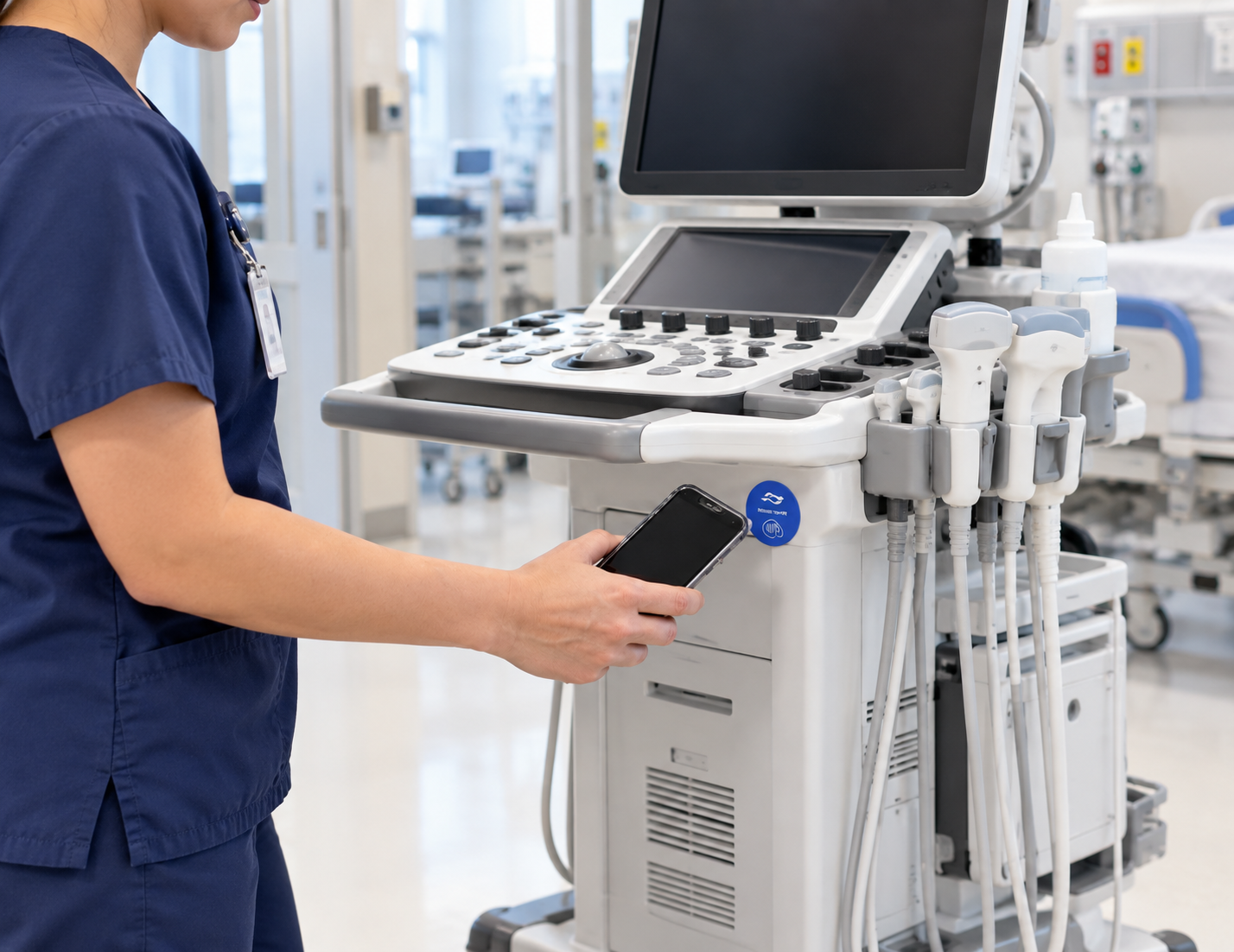
Open the record or form for a shared asset. Staff can log a checkout, return, or move to another department, with updates recorded in your existing equipment management system.
Make it easier to report a problem where it happens. A tag can open the relevant equipment’s maintenance form so staff can describe an issue and submit it through your established process.
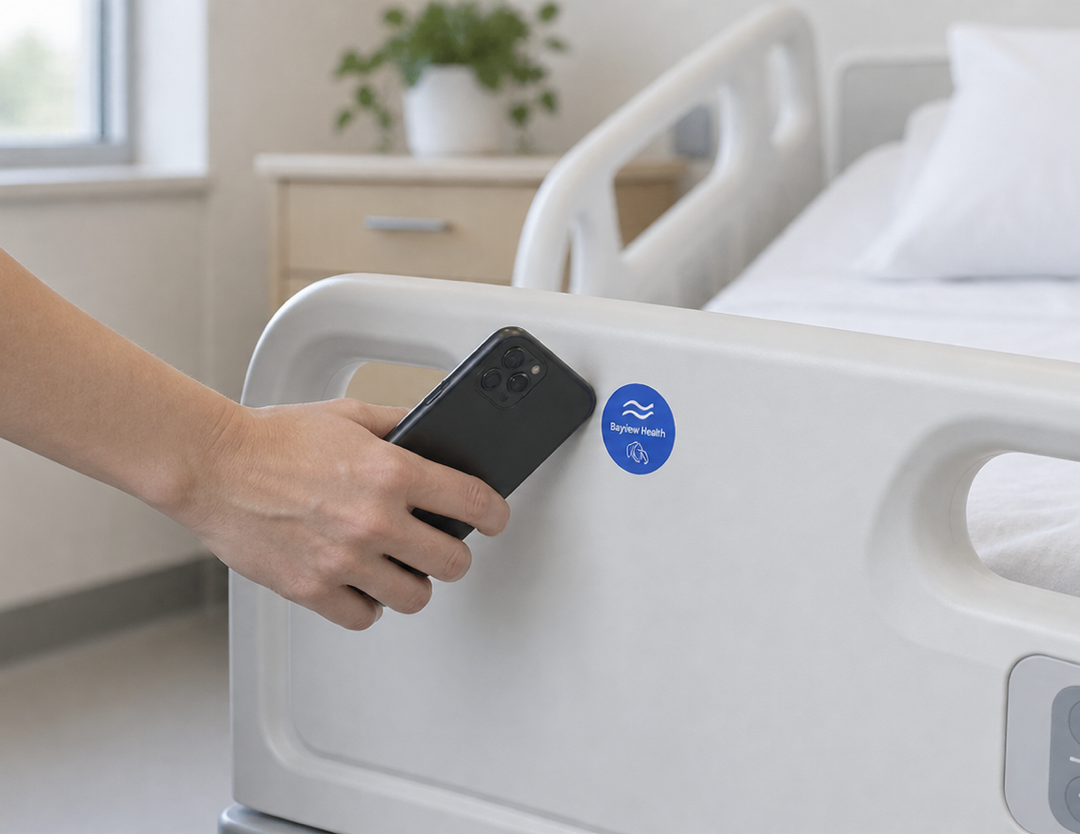

Connect room tags to the appropriate cleaning, turnover, or preparation checklist. Staff complete and submit the required steps through your existing facilities workflow.
Tell us what you want a tap to do. Contact us for help planning your interaction or connecting it to your tools.
Use your company’s name, logo, and colors on cards and tags customers keep. Link each tag to reviews, service requests, or useful information, and update the destination from your kitetags dashboard.
Customize Your BrandA Kitetag opens an online destination when tapped with a compatible phone. Place tags where patients, visitors, or staff need access to a map, information page, portal, or work form.
Yes. Link signs to the maps and directions your facility maintains. Different tags can open information for a specific entrance, department, parking area, or accessible route.
A tag can open your existing check-in page or patient portal. Patients complete the required steps there; the destination system handles identification, submitted information, and check-in confirmation.
Public pages can include visiting hours, amenities, department contacts, and support services. For personal information, direct patients to your existing portal and its sign-in process.
Yes. Link each tag to the appropriate facility or department feedback form. Your existing feedback system receives submissions and handles any configured follow-up.
Yes. Link an equipment tag to approved operating guides, cleaning procedures, or training resources. Your team maintains those materials and controls access through the destination system.
No. A tag opens a destination when tapped; it does not continuously broadcast a location. Staff record checkouts, returns, and moves using the connected forms or asset management system you choose.
Yes. Equipment tags can open issue-reporting forms, while room tags can open cleaning or preparation checklists. The connected systems store submissions and manage the workflow.
Use clearly labeled tags with destinations appropriate to each audience. Link restricted information to your organization’s systems that require sign-in and appropriate permissions; a tap itself does not authorize access.
Kitetags can point to browser-accessible pages, portals, and forms you already use. Manage destinations for different facilities and departments through Kitetags. Data exchange between systems depends on the integrations you configure.
Choose a focused pilot, such as visitor directions or equipment instructions in one department. Confirm the destinations with the responsible teams, test the tap experience, and expand once the workflow works for its users.
Real moments. Meaningful connections. One platform for the moments that move business forward.