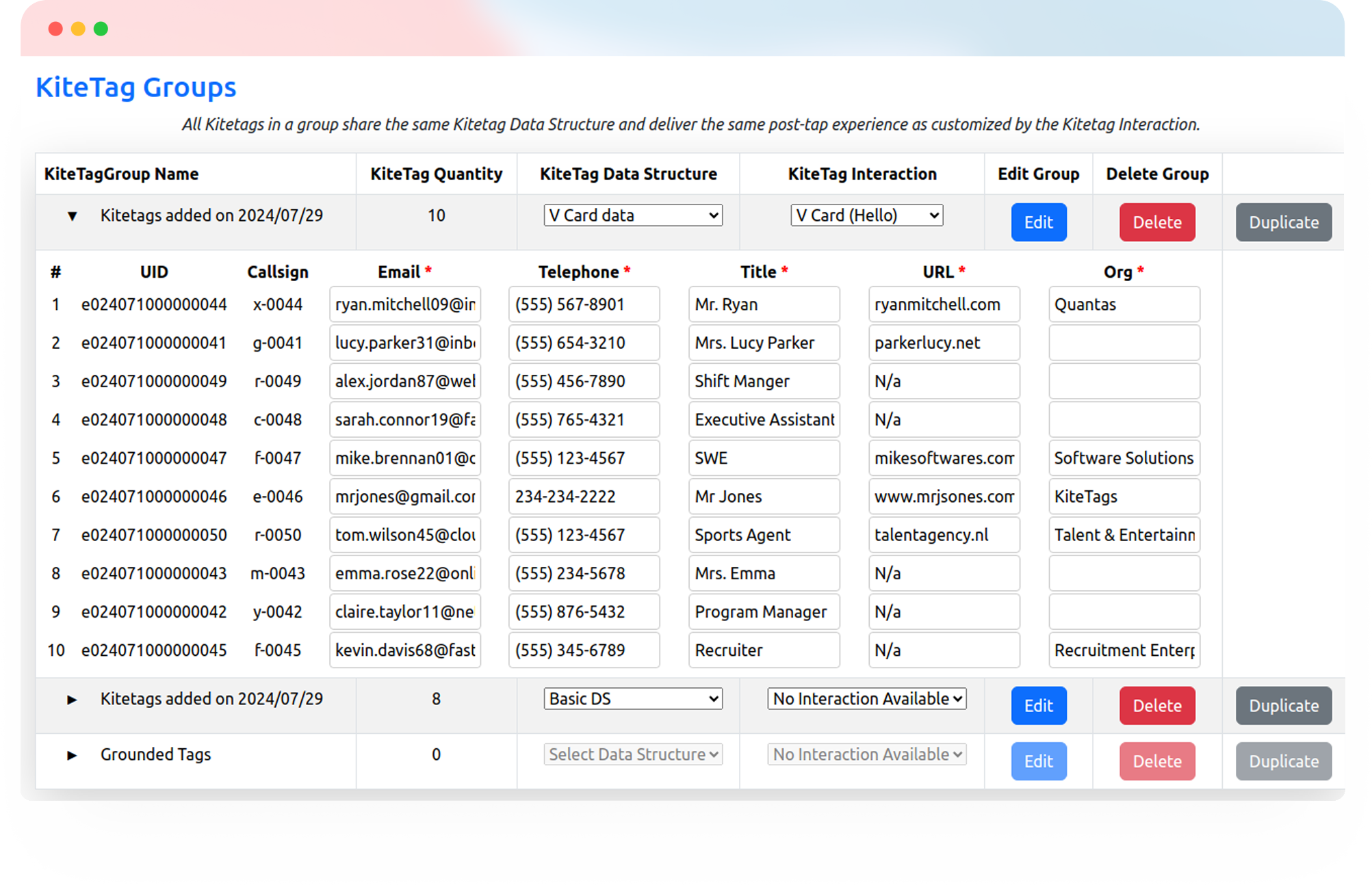
Help shoppers explore vehicles, make service visits easier, and give staff a direct route to the records and workflows they use. One tap opens the right next step for each location.
Try Kitetags for Free*Shipping and handling fees apply.
From vehicle windows and service reception to key cabinets and workshop equipment, connect customers and staff to the information they need at the point of use.

Manage links across locations, brands, and departments while keeping each customer experience and staff workflow relevant to its destination.
Put a Kitetags on a vehicle window to open that car’s listing, including price, mileage, features, photos, and available history-report links. Shoppers can explore details while your sales team is helping someone else.
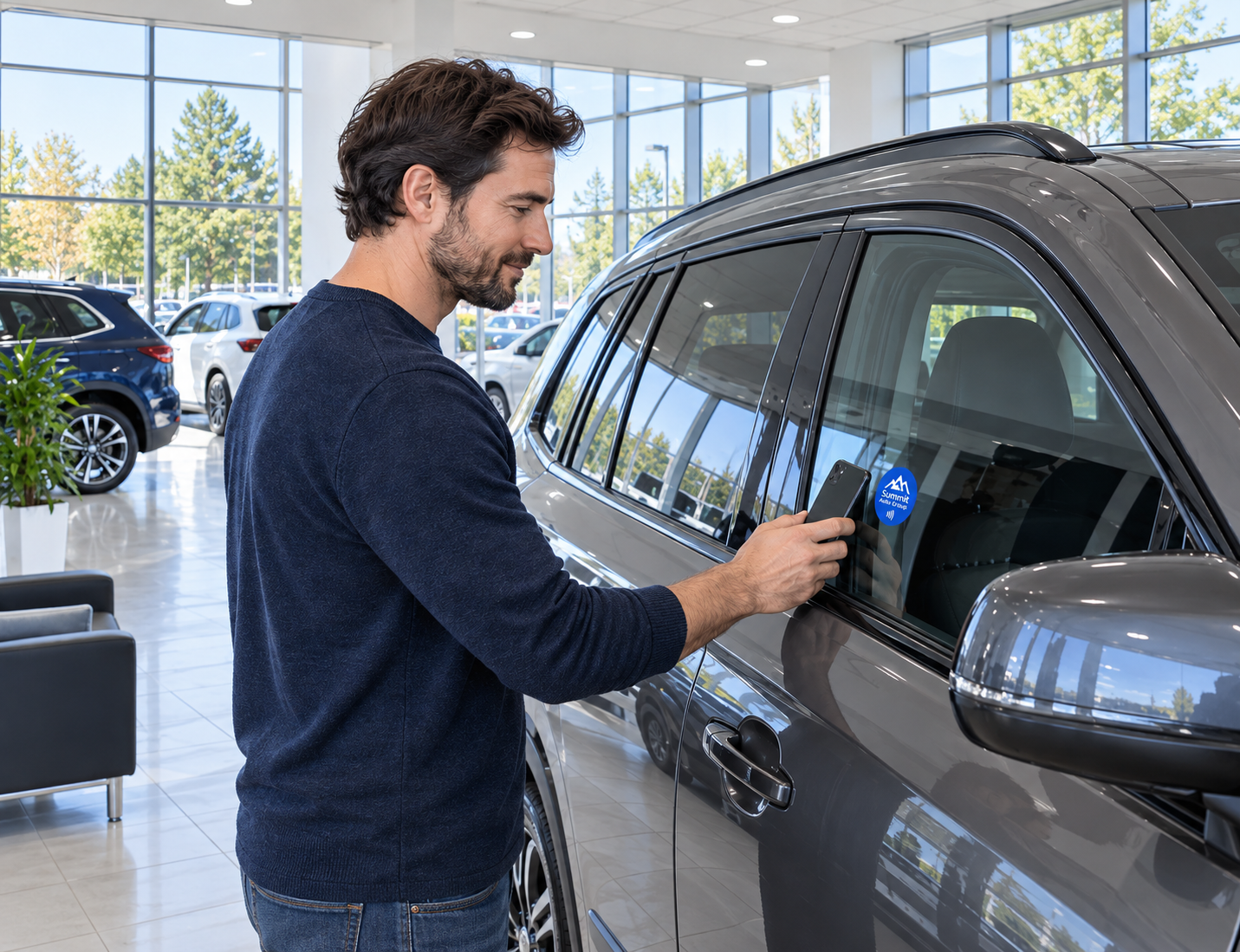

Give interested shoppers a direct route to the right dealership’s booking page or vehicle-specific request form. Your team can confirm availability and arrange a time through its existing process.
Open the service booking page for the appropriate dealership. Customers can choose the services and available appointment times offered by your existing scheduling system.

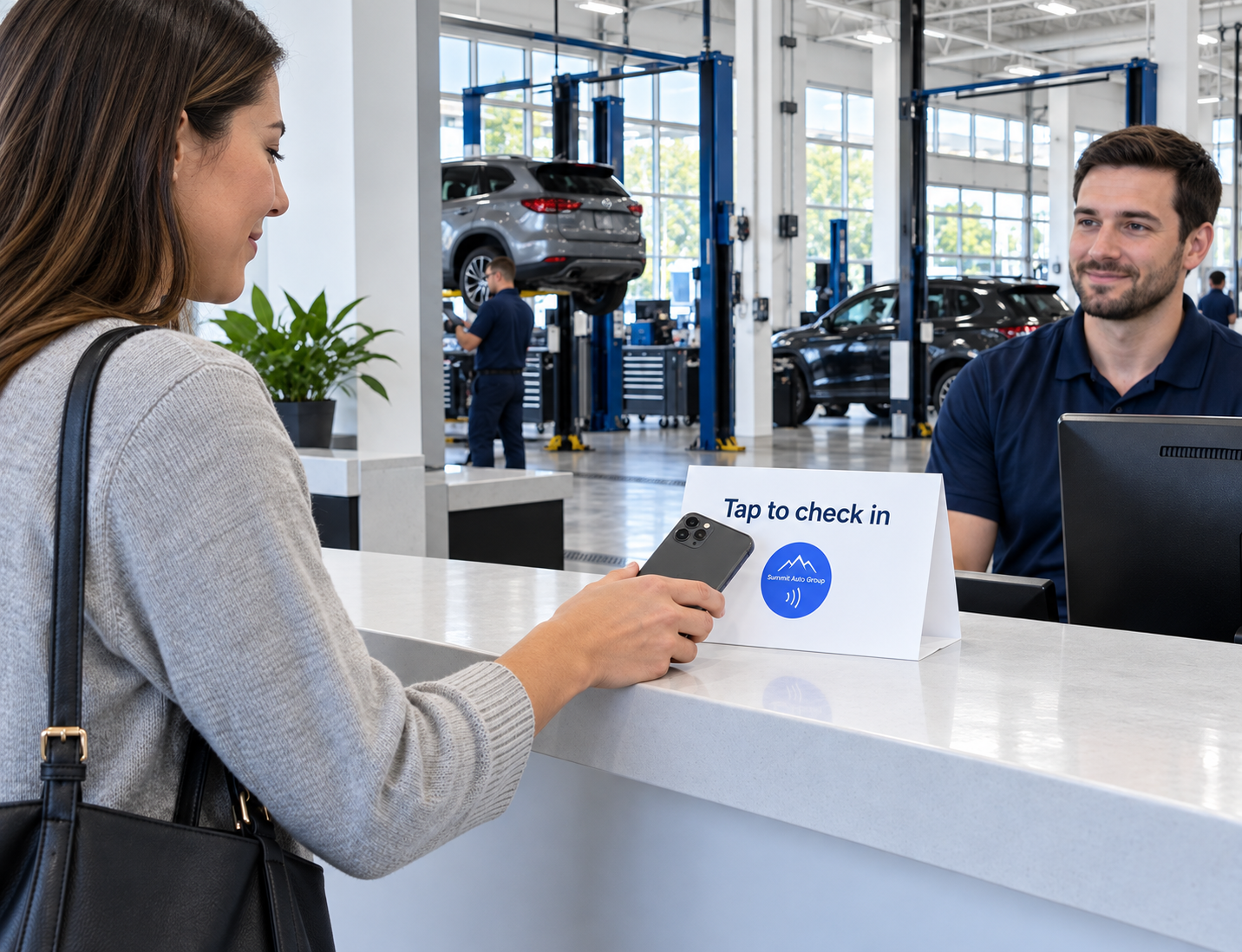
Give customers a tap point at reception to open arrival or vehicle-collection forms. Your connected service system records the submitted details and manages the steps required to complete check-in or check-out.
Link a service-desk tag to your payment portal, where customers can identify themselves and access their invoice. Payment processing and confirmation stay with your existing payment service.

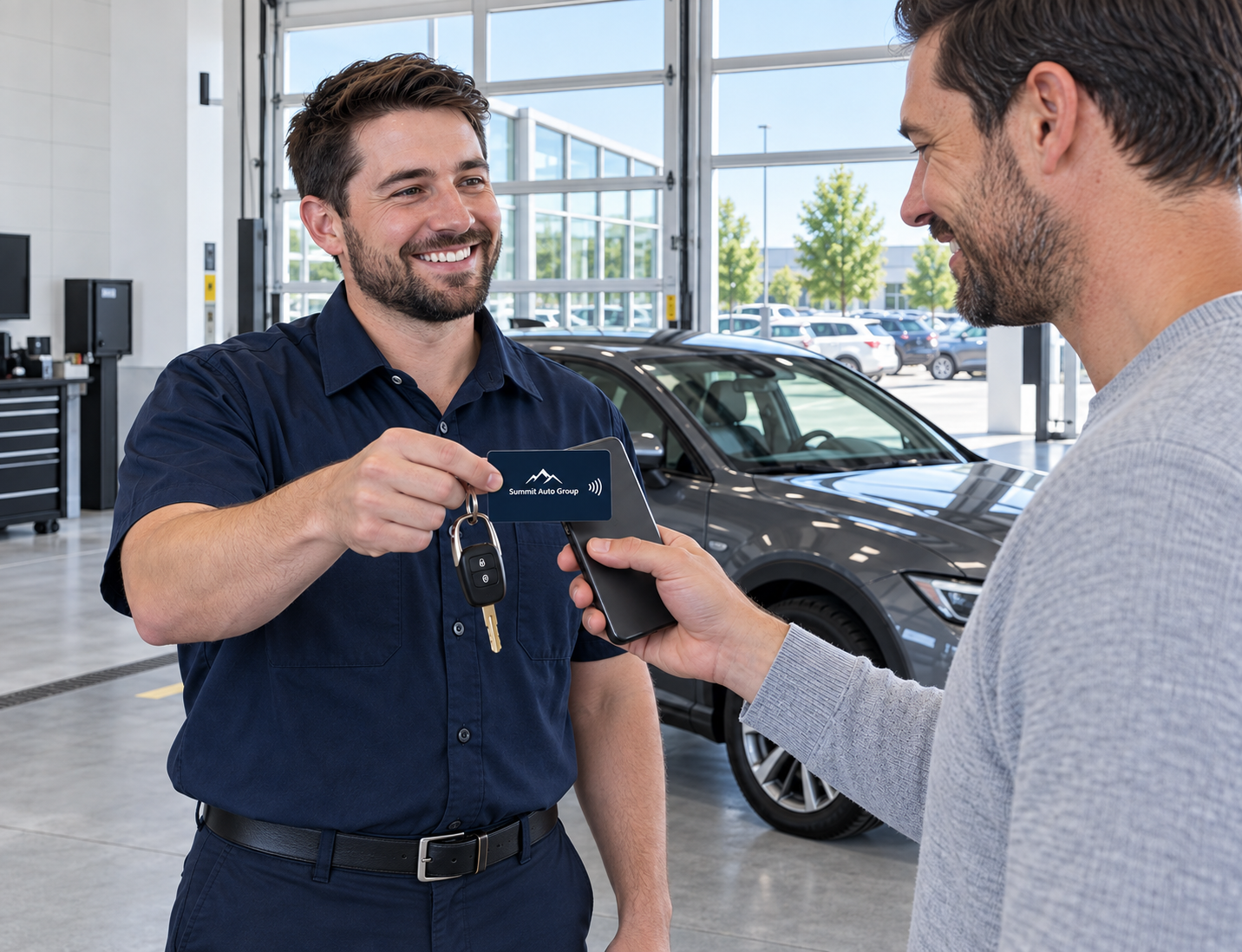
Make it easy for customers to reach the review page for the location that serviced their vehicle. Offer a clear tap point at collection so they can choose whether to share their experience.
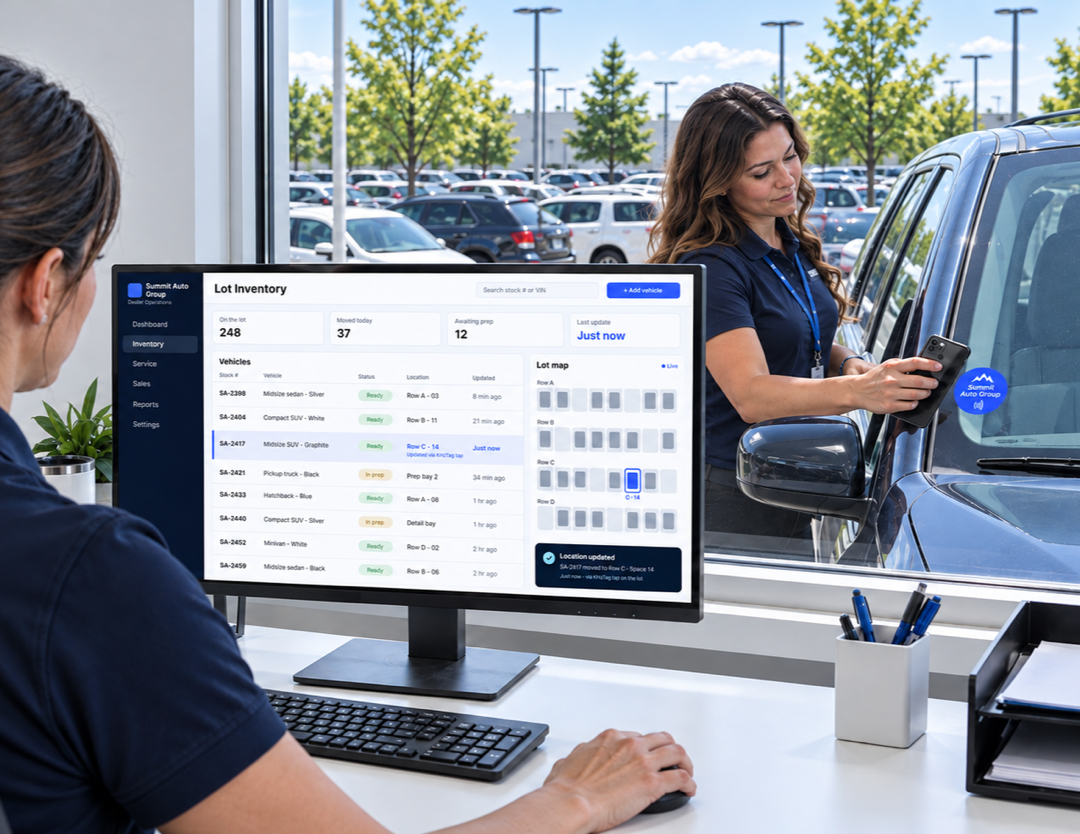
Tap a vehicle tag to open its inventory record or location-update form. Staff can record a move to another lot, bay, or dealership in the group’s connected inventory system.
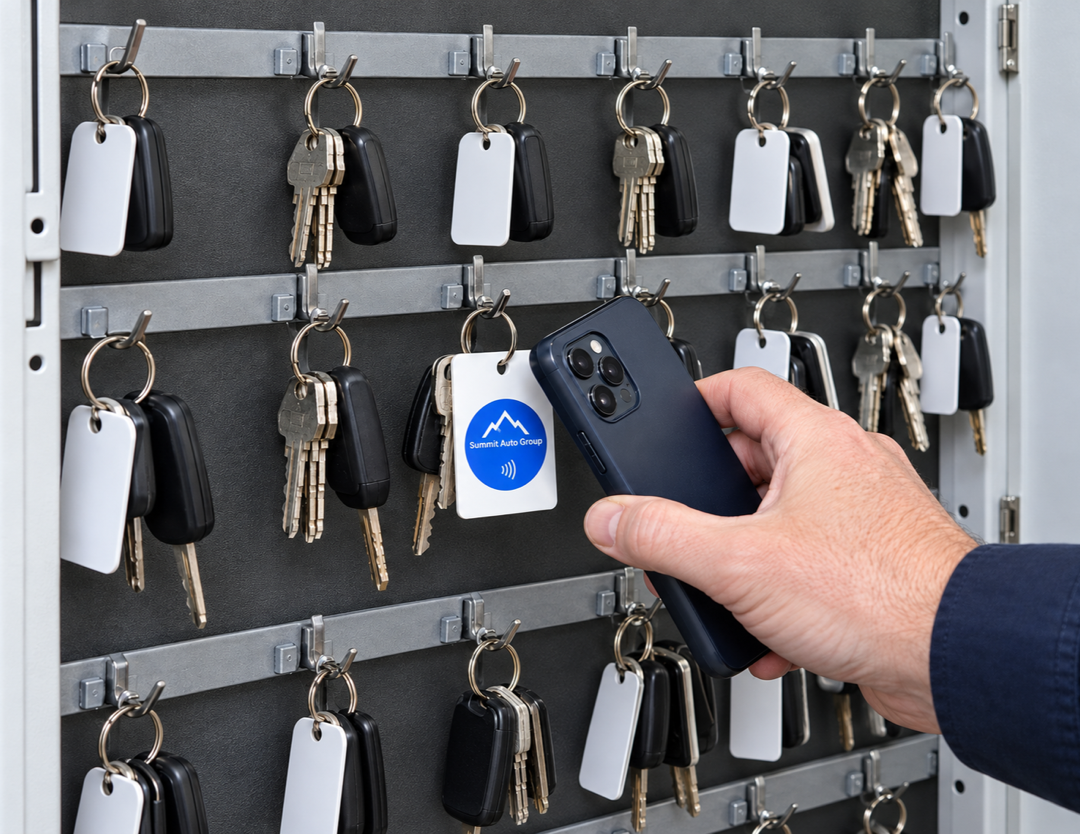
Tag key sets to open the relevant checkout record or form. Staff can log who took the keys and when they were returned, with records maintained in your existing system.
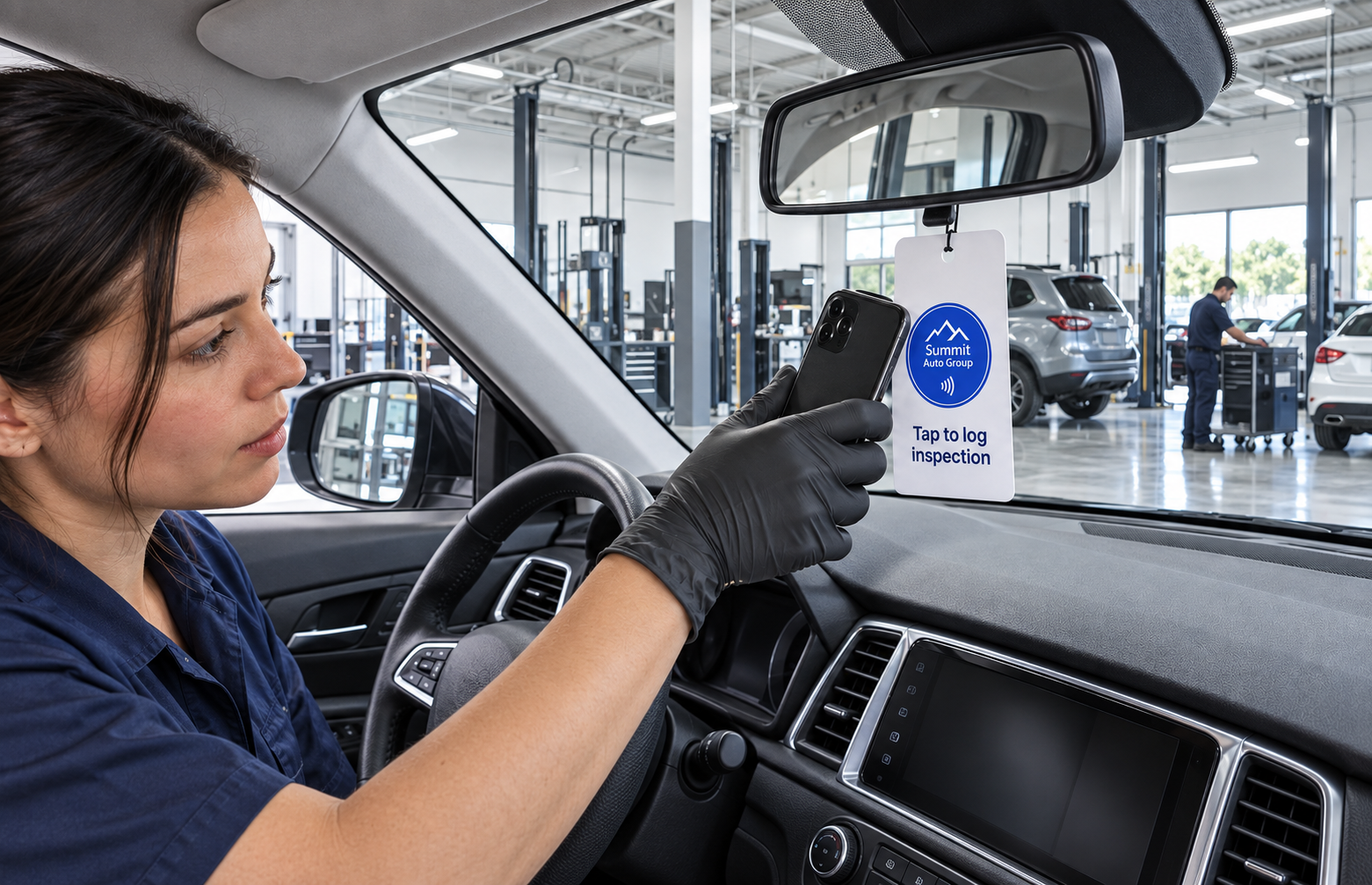
Open the checklist for the vehicle being prepared. Connect teams to inspection, detailing, reconditioning, or delivery-readiness forms so they can submit updates through your current workflow.
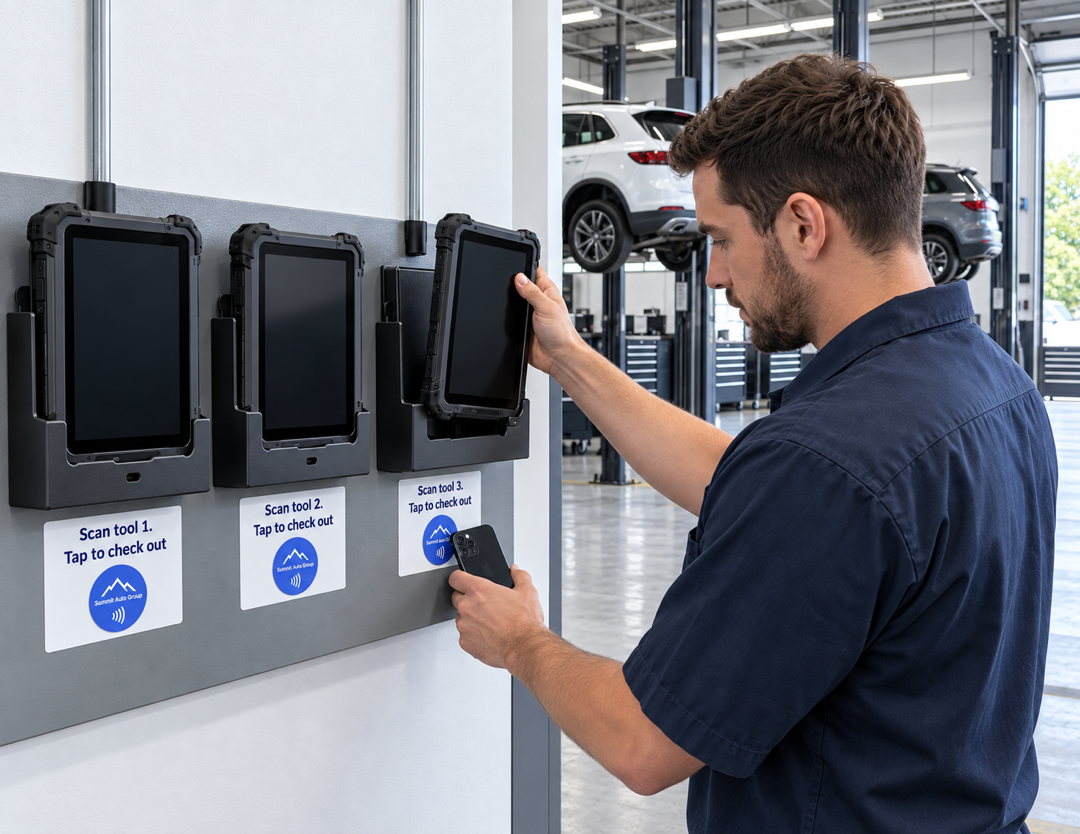
Put asset records within reach of the equipment itself. Tag diagnostic devices, chargers, and shared tools to open their details, operating instructions, or checkout forms.
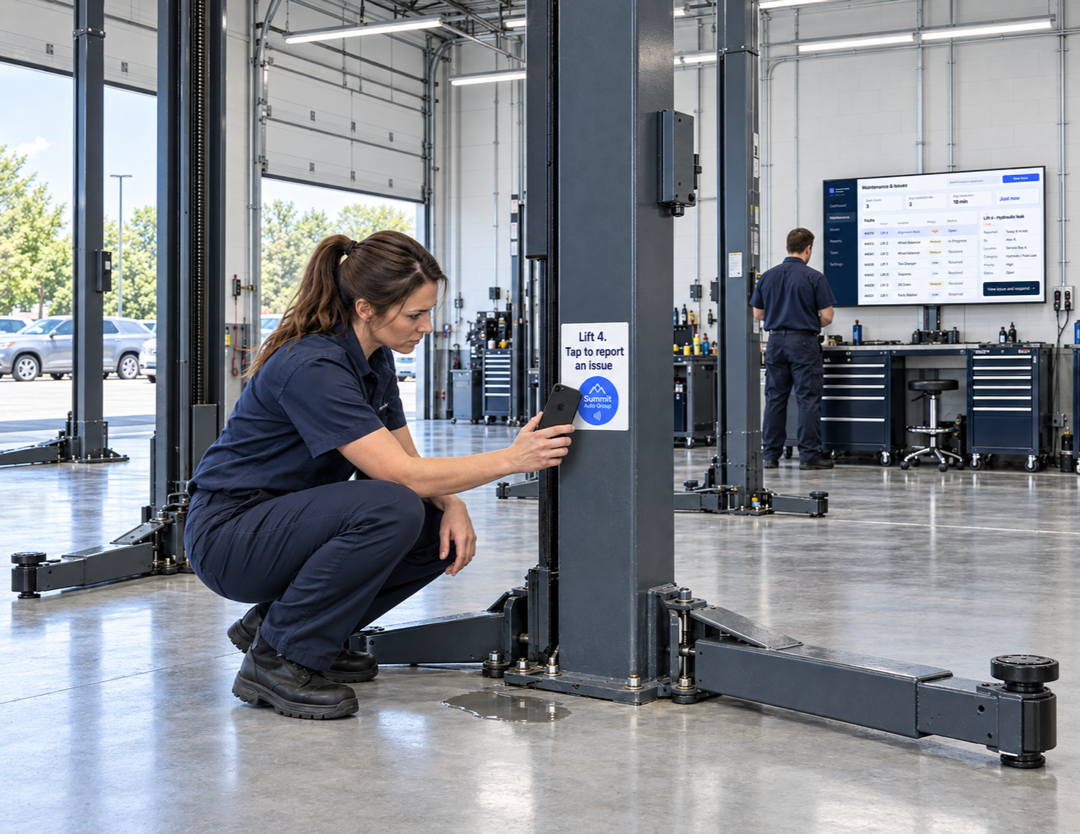
Make it easier to report an issue where it happens. Open the relevant asset’s maintenance form or service record so staff can describe a fault, request attention, or review its history.
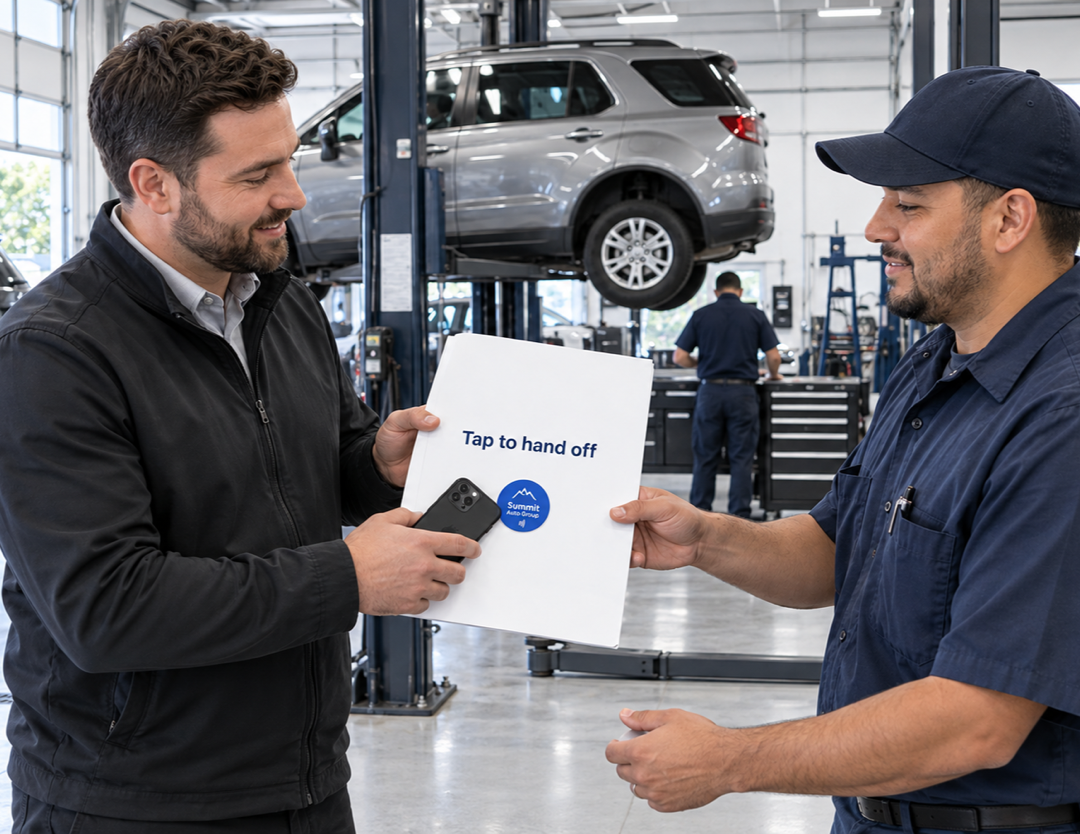
Connect teams to the form or record used when a vehicle changes hands. Staff can record transfers between sales, service, detailing, transport, and other dealerships through your existing workflow.
Tell us what you want a tap to do. Contact us for help planning your interaction or connecting it to your tools.
Use your company’s name, logo, and colors on cards and tags customers keep. Link each tag to reviews, service requests, or useful information, and update the destination from your kitetags dashboard.
Customize Your BrandKitetags connect physical NFC tags to online destinations you manage. Customers and staff tap with a compatible phone to open the appropriate listing, service page, asset record, or workflow for that location.
Yes. Link each vehicle’s tag to its listing so shoppers can explore details and follow a test-drive request link on that page. Your booking system or sales team handles availability and confirmation.
Yes. Use tags that open the correct dealership’s service booking, arrival, or collection page. Customers complete the steps in your connected service system, which records their submissions and manages the process.
Yes. Separate tags can open your payment portal and the location’s review page. Customers access their own invoice through your payment service and choose whether to leave a review after service.
No. A Kitetags opens a destination when tapped; it does not continuously broadcast its location. Staff record movements, key checkouts, and returns through the connected forms or systems you choose.
Yes. Link a vehicle tag to its preparation checklist or handoff record. Staff can submit inspection results, readiness updates, or department transfers through your existing workflow.
Yes. Tags can open asset records, instructions, checkout forms, or maintenance-request pages for individual tools and equipment. The connected system stores the records and handles any configured follow-up.
Kitetags can link to browser-accessible records, forms, and portals you already use. Opening a link does not automatically sync data between systems; any integration depends on the tools and workflow you configure.
Use clearly labeled tags for each audience and link staff tags to systems that require sign-in and appropriate permissions. Access to internal records is controlled by the destination system.
Yes. Give tags destinations specific to a location, brand, department, or campaign, and manage those links through Kitetags. Branded tags can carry the relevant dealership identity and call to action.
Start with a focused pilot at one location, such as vehicle information on the lot or service reception. Choose the destination pages, test customer and staff workflows, then extend the approach to other departments and dealerships.
Real moments. Meaningful connections. One platform for the moments that move business forward.