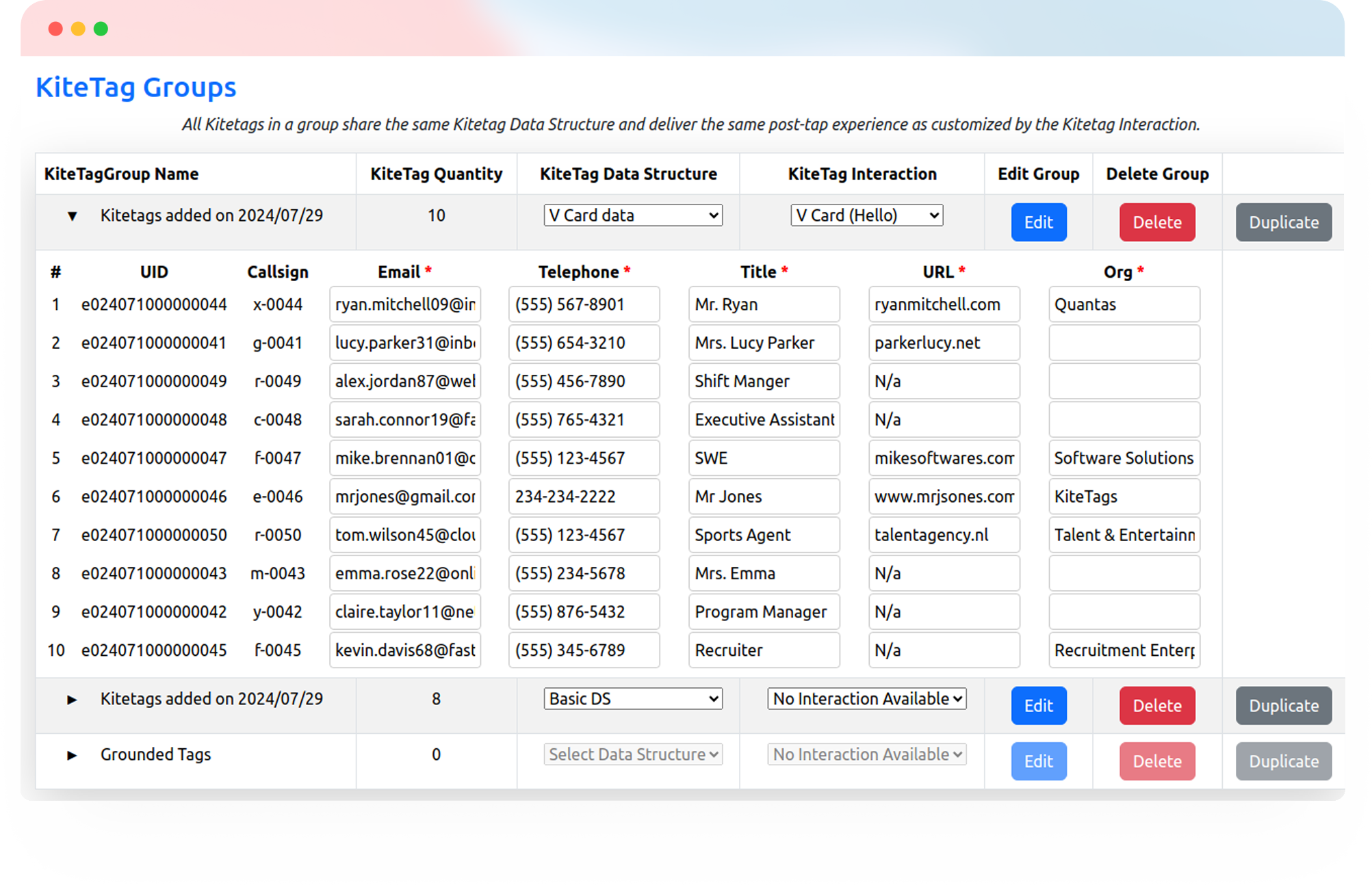
Make it easy for people you meet to save your contact details, explore your content, share their information, or book a meeting. One tap opens the experience you choose.
Try Kitetags for Free*Shipping and handling fees apply.
From exhibitor booths and networking tables to business cards and takeaway materials, Kitetags help people continue the conversation with a simple tap.
Give every conversation a useful next step, then manage and update your event touchpoints from one place.
Give new connections a simple way to save your details. Link a Kitetags to your digital business card or contact file so they can keep your name, phone number, email, and website close at hand.

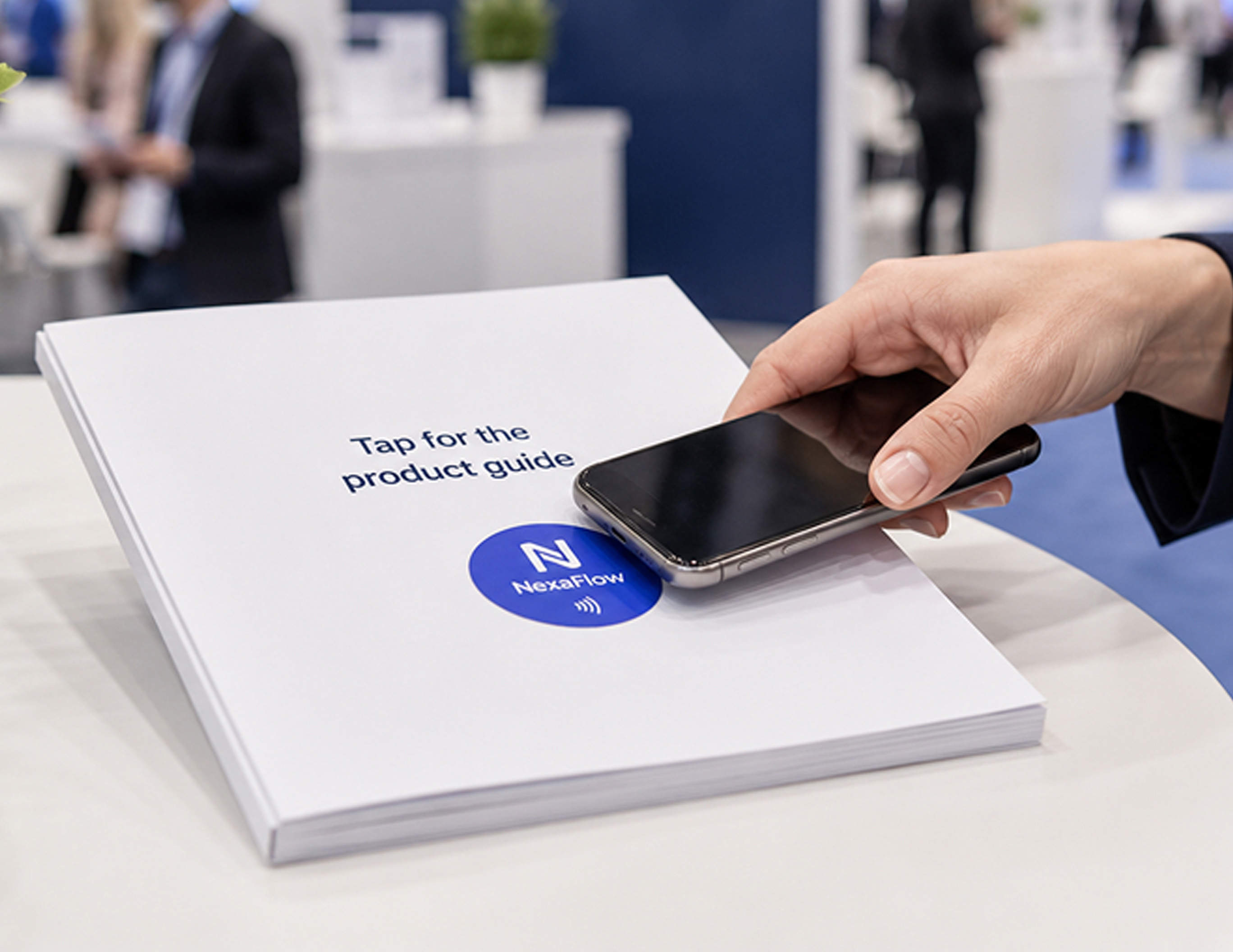
Put your presentation, product brochure, case study, or demo page one tap away. Share the content that fits the conversation and update the destination as your event materials change.
Invite visitors to share their contact details, interests, or questions through your online form. Connect the Kitetags to the form your team already uses for event follow-up.

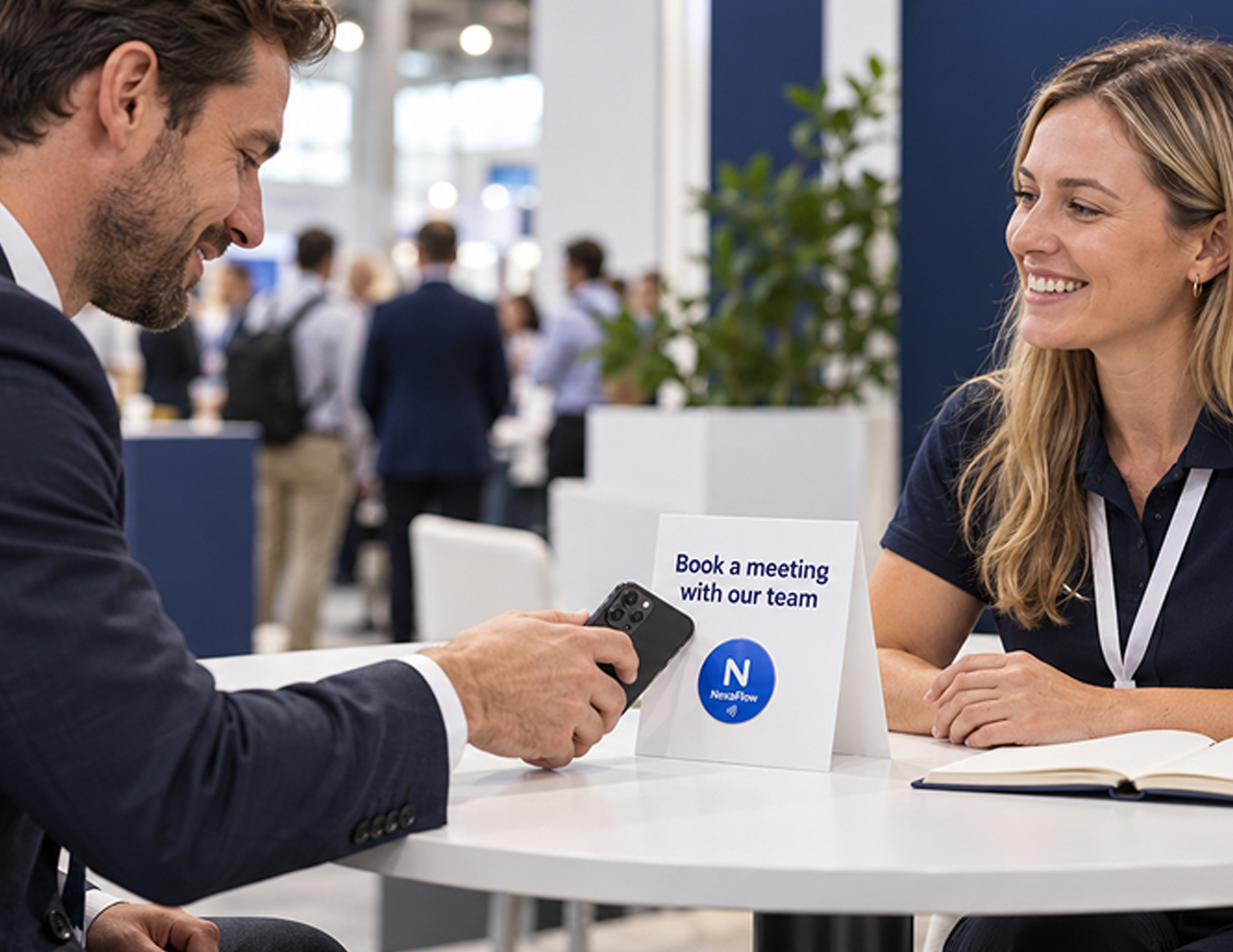
Make it easy to book the next conversation while interest is fresh. Link directly to your scheduling page so visitors can choose an available time for a meeting, demo, or follow-up.
Tell us what you want a tap to do. Contact us for help planning your interaction or connecting it to your tools.
Use your company’s name, logo, and colors on cards and tags customers keep. Link each tag to reviews, service requests, or useful information, and update the destination from your kitetags dashboard.
Customize Your BrandKitetags connect physical NFC tags to online destinations you manage. An attendee taps with a compatible phone to open your contact details, event content, lead form, or scheduling page.
No. Attendees tap a Kitetag with a compatible NFC-enabled phone and open the destination in their browser.
No. Opening your digital business card or saving your contact details does not automatically share the attendee’s information with you. Use a lead form when you want attendees to submit their details.
Link to an online presentation, product brochure, case study, demo page, or other event resource. You choose which destination opens after the tap.
Yes. Link to an online form from your existing form provider or CRM. The form handles the fields, submissions, and any follow-up workflows you have configured.
Yes. Link a Kitetags to your scheduling page so attendees can choose an available time. Availability and booking confirmations are handled by your scheduling service.
Yes. Update the destination in your Kitetags dashboard without replacing the physical tag. Switch from event materials to a follow-up resource or another relevant page when needed.
Yes. Assign different destinations to tags for individual team members, booths, products, or events, and manage them through Kitetags.
Use visible, reachable touchpoints such as booth counters, tabletop stands, business cards, or takeaway materials. Add a clear call to action so attendees know what their tap will open.
Yes. Branded cards, stands, stickers, and other Kitetag products can use your company name, logo, colors, and call to action.
Start with a free Kitetags and free monthly plan, customize it for your business, and choose your first destination, such as a digital business card, lead form, or scheduling page. Shipping and handling fees apply.
Real moments. Meaningful connections. One platform for the moments that move business forward.