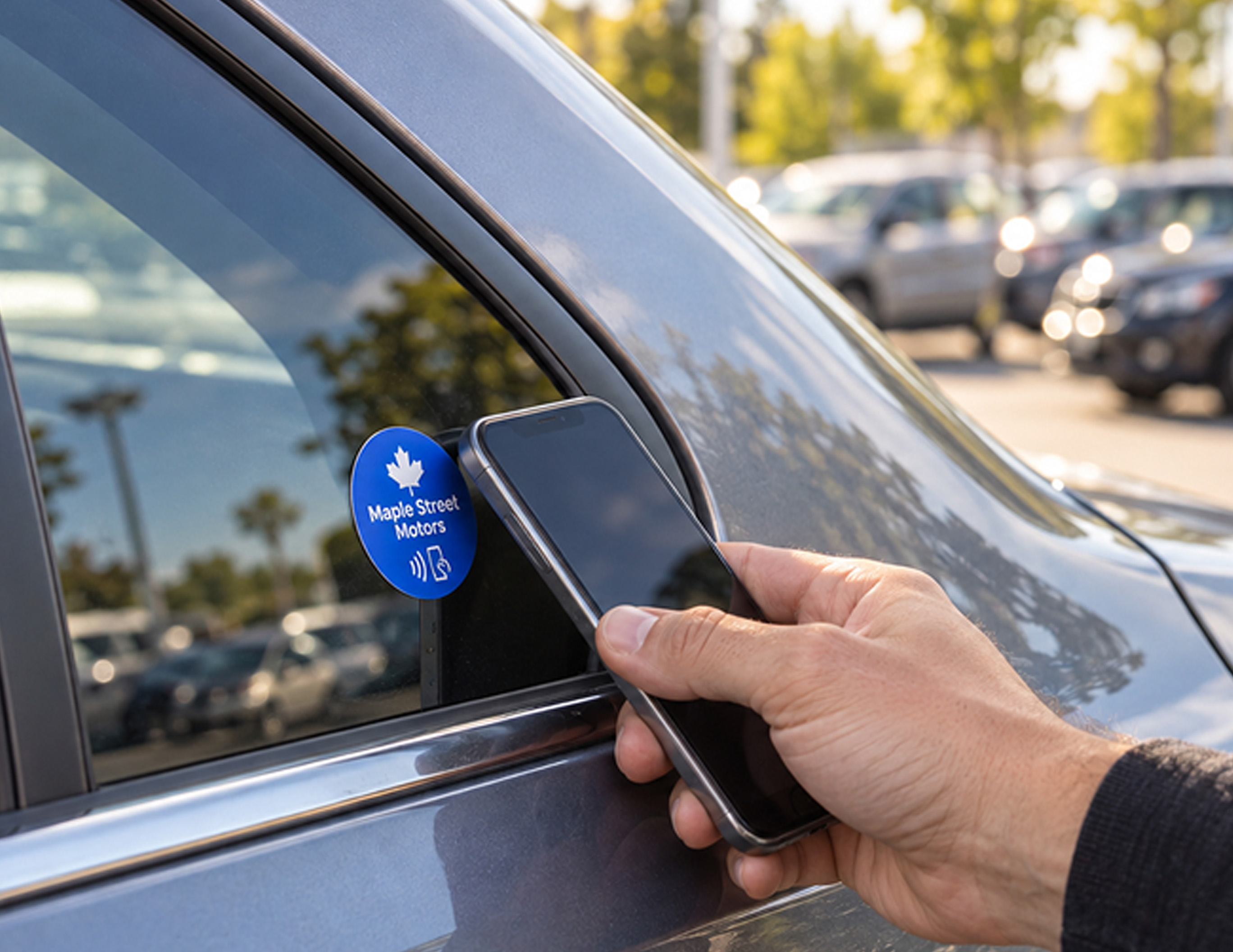
Turn a car-window sticker into a simple next step. Help shoppers view vehicle details, request a test drive, or ask your team a question with one tap.
Try Kitetags for Free*Shipping and handling fees apply.
From car windows and lot displays to your sales desk and handover paperwork, Kitetags help a small team connect shoppers with useful information.

Give shoppers a direct route from the car in front of them to the information or help they need, then update your links from one place.
Place a Kitetags on a car window to open that vehicle’s listing. Give shoppers access to its price, mileage, features, photos, and a vehicle history report link when available.
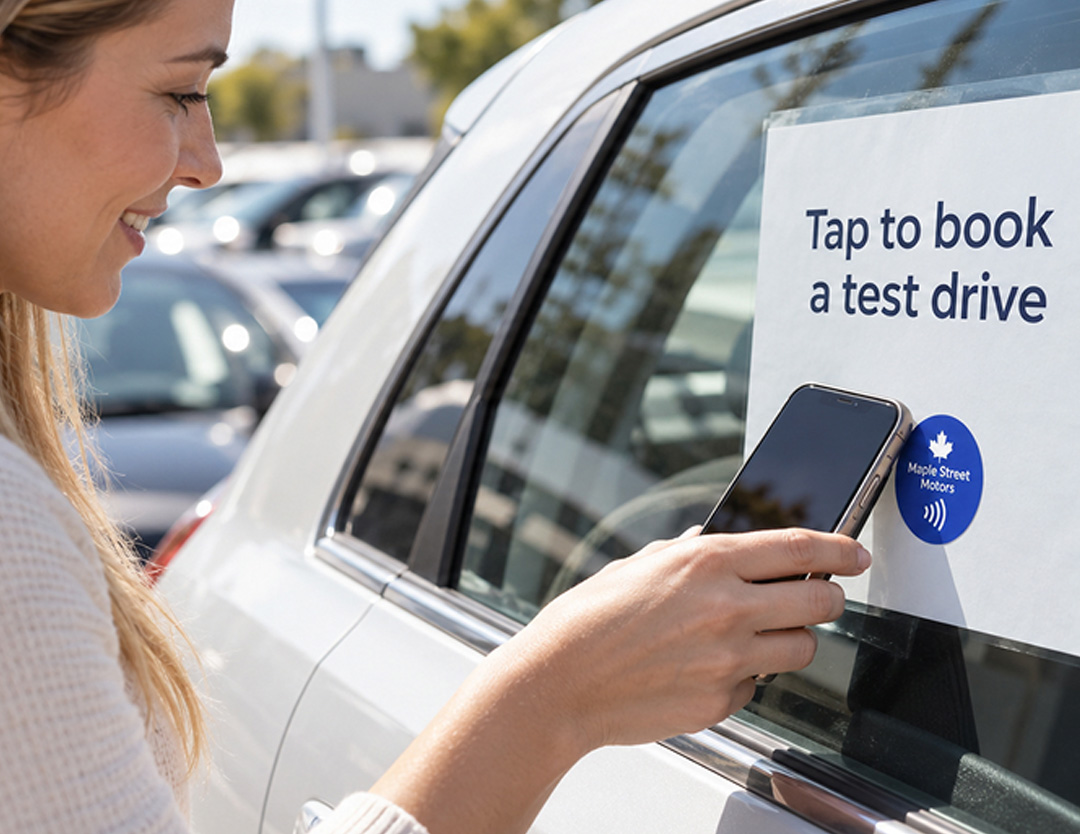
Help shoppers take the next step while they’re looking at a car. Link to your booking page or test-drive request form so your team can arrange a suitable time.
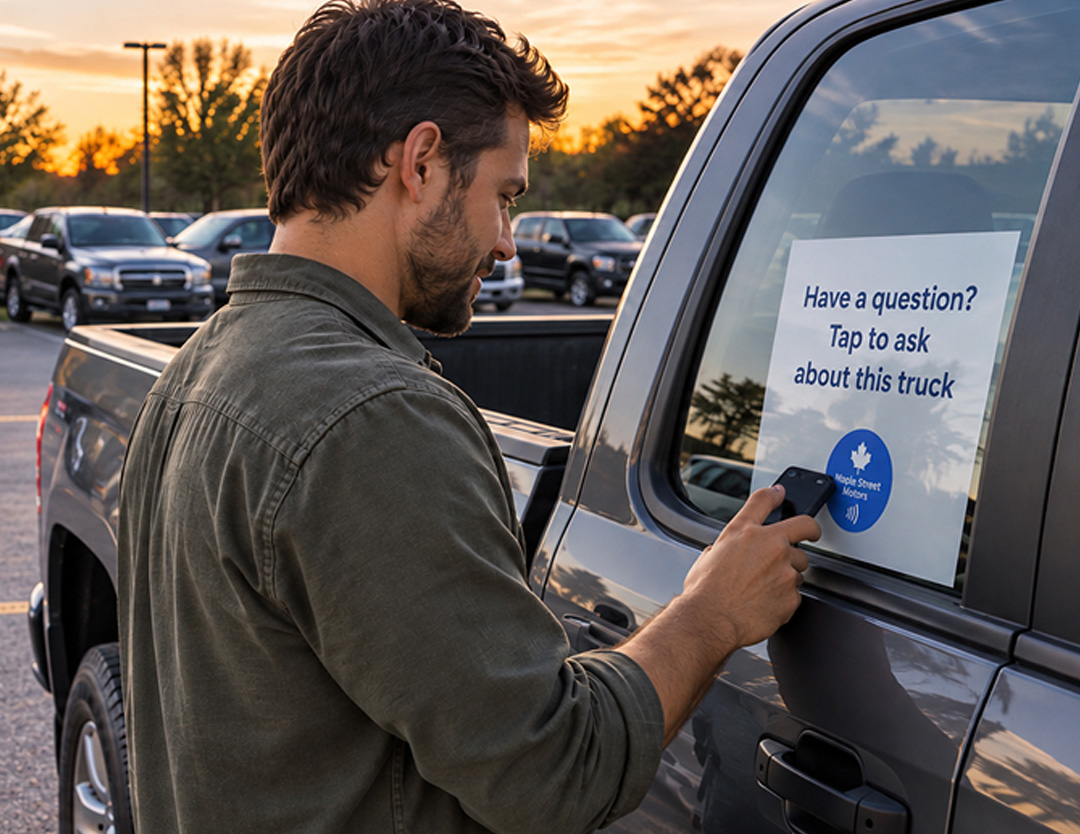
Make it easy to ask about the car in front of them. Open a vehicle-specific inquiry form or contact page where shoppers can reach your team with questions.
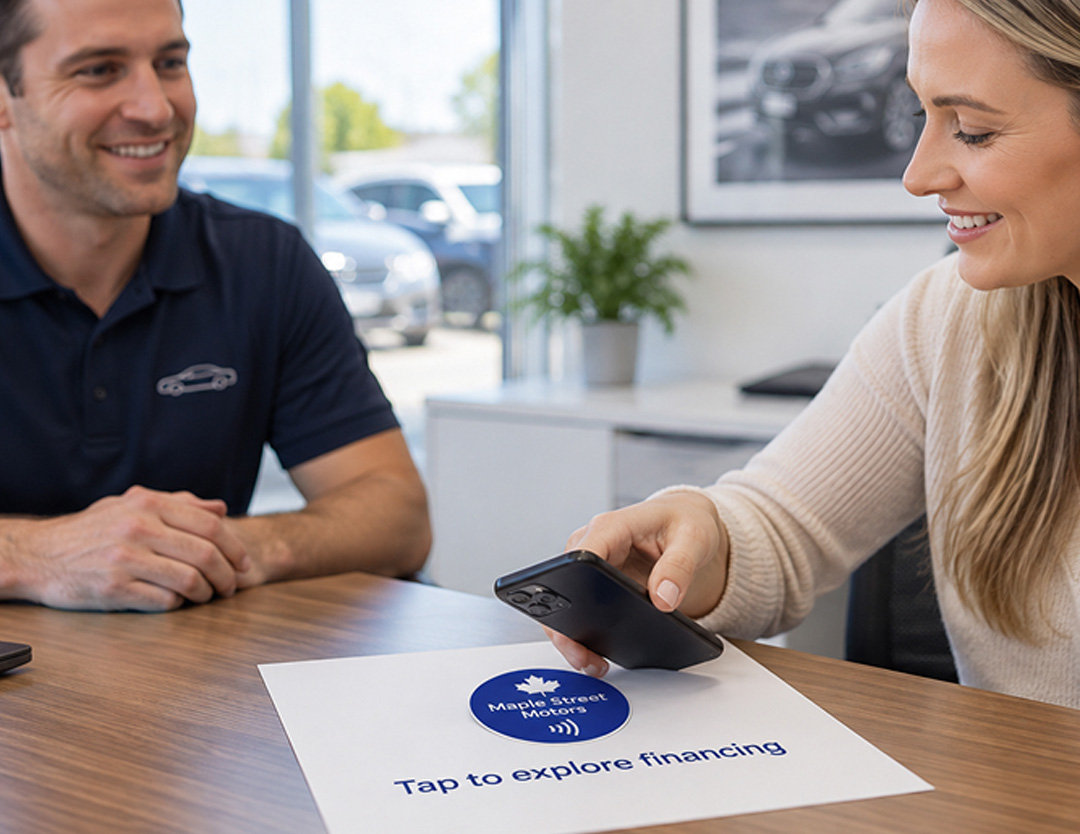
Give shoppers a direct link to your financing information or your chosen provider’s application page. Let them explore the next step through the service you already use.
Keep your review page one tap away at the sales desk or during vehicle handover. Customers open the page and decide whether they want to share their experience.
Tell us what you want a tap to do. Contact us for help planning your interaction or connecting it to your tools.
Use your company’s name, logo, and colors on cards and tags customers keep. Link each tag to reviews, service requests, or useful information, and update the destination from your kitetags dashboard.
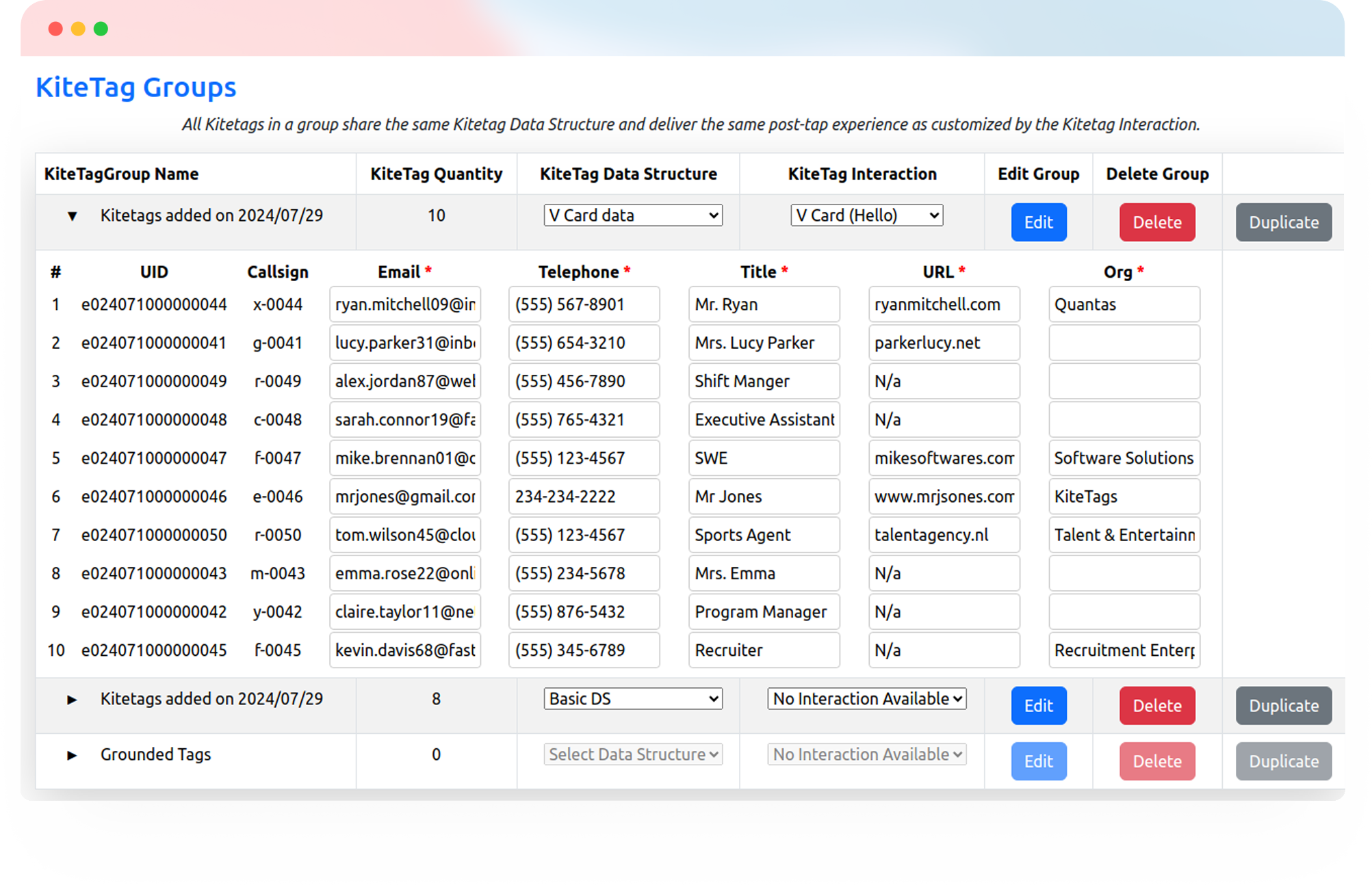
Customize Your BrandKitetags connect physical NFC tags to online destinations you manage. A shopper taps a tag with a compatible phone to open vehicle details, a test-drive request form, financing information, or another useful link.
Yes. Link the Kitetag to that car’s listing page. Shoppers can view the price, mileage, features, photos, and any vehicle history report link you include on the page. Choose a tag suited to the placement and test it on the vehicle.
No. Shoppers tap the Kitetag with a compatible NFC-enabled phone and open the destination in their browser.
No. You can link to the vehicle listings, contact pages, and online forms you already use. Each destination needs to be available online for shoppers to open it.
Yes. Link a tag to your booking page or a vehicle-specific inquiry form. The page or form you choose handles the request; include the vehicle details there so your team knows which car the shopper means.
Yes. Link to your dealership’s financing information or your chosen provider’s online application. Applications and any financing decisions are handled by that service.
Yes. Give individual vehicles their own tags and listing destinations. Your team can manage those links through Kitetags without sending every shopper to the same general inventory page.
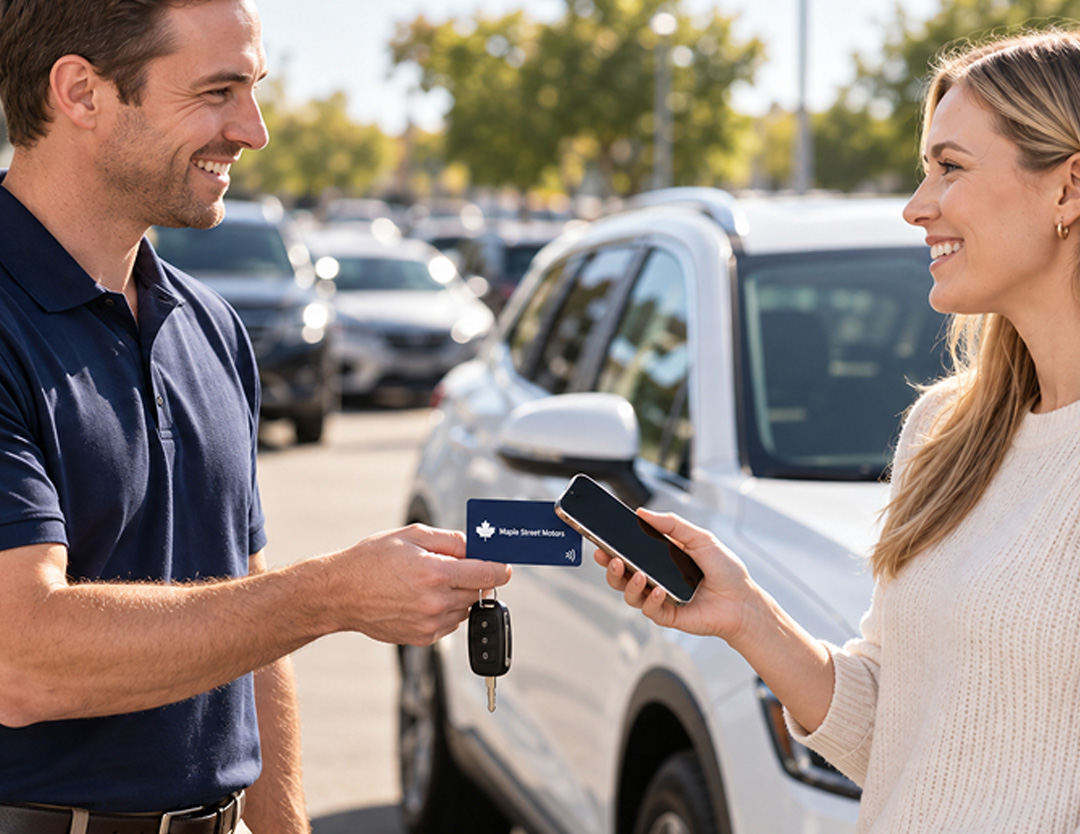
Yes. Put your dealership’s name, logo, and colors on a card or desk stand linked to your review page. Offer it at handover so customers can open the page and choose whether to leave a review.
Start with a free Kitetags and free monthly plan, customize it for your dealership, and link it to one vehicle listing or another useful first destination. Shipping and handling fees apply.
Real moments. Meaningful connections. One platform for the moments that move business forward.